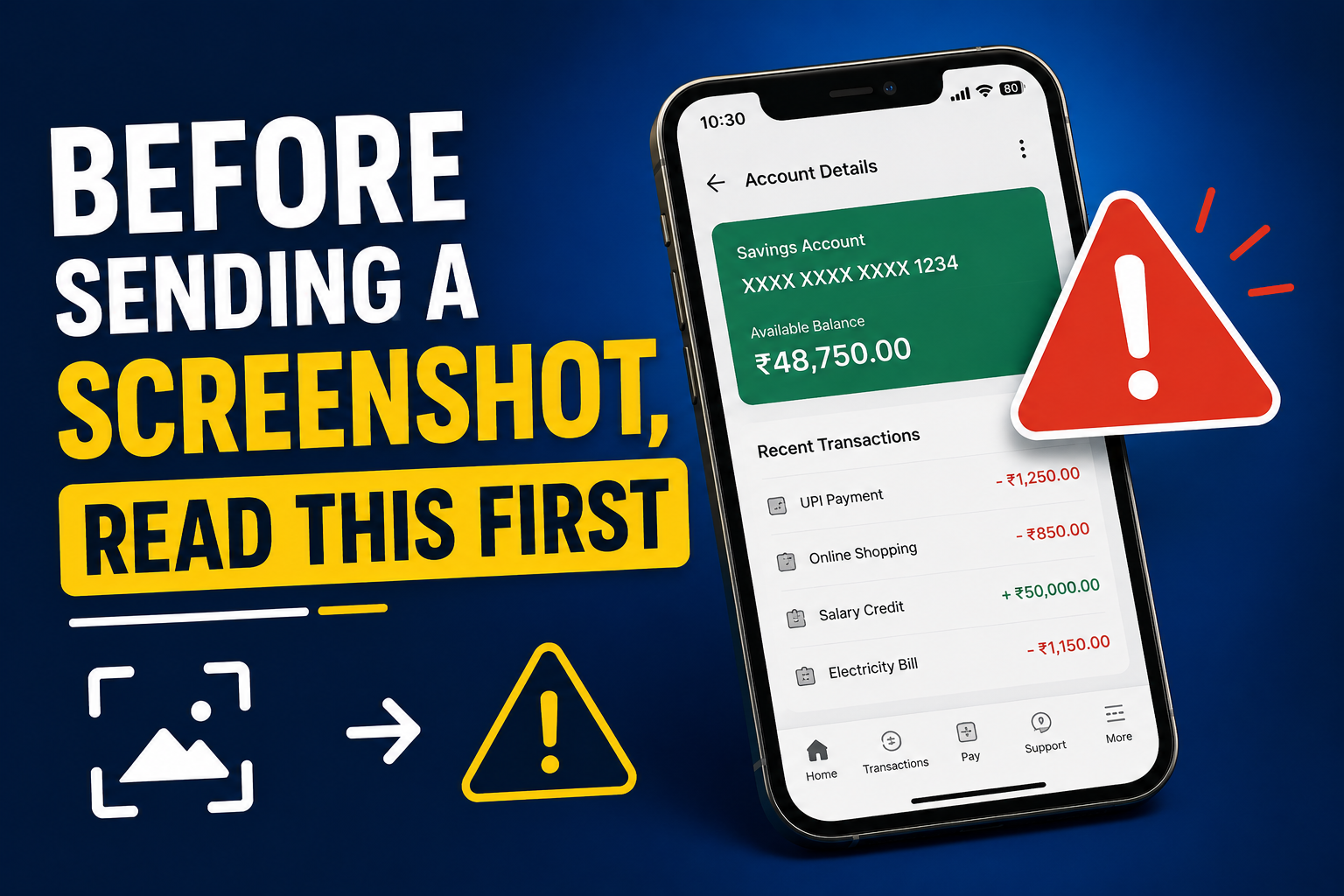
Screenshots are honestly one of the fastest ways we communicate today. A quick capture of a payment confirmation, a bug on your screen, a funny chat, or an email — and off it goes to a friend, a colleague, or customer support. It's become such a natural habit that most of us don't think twice before hitting send. But here's the catch: a single screenshot often carries way more personal information than you realise.
Cybercriminals don't always need fancy hacking tools. Sometimes, all it takes is a few carelessly shared screenshots, social posts, and forwarded files. Little things like your email, phone number, a notification preview, or even the tabs open in your browser can quietly help someone piece together a profile of you.
So before you hit send, it's worth pausing for just a few seconds. A quick crop or a blur here and there can stop your personal info from landing in the wrong hands — and save you from things like phishing, scams, or identity theft down the line.
Why Screenshots Are Riskier Than They Look
Unlike a regular photo, a screenshot captures everything on your screen at that exact second. That often includes things you didn't even notice were there — status bar icons, browser tabs, unread notifications, QR codes, profile pictures, GPS pins, account names, and so on. It all gets baked into the image.
On their own, these details might feel harmless. But put a few of them together and someone can figure out a surprising amount about your life. That's the exact kind of info scammers use for phishing messages, fake support calls, and identity-related fraud.
What's Usually Hiding Inside Your Screenshots
Most people focus on the main thing they want to share and completely miss what's happening around it. Some of the details that most often slip through include:
- Email addresses
- Phone numbers
- Contact names
- WhatsApp profile photos
- Bank transaction IDs
- UPI IDs
- Order numbers
- QR codes
- Browser bookmarks
- Open browser tabs
- Notification previews
- Calendar reminders
- Location information
Just glancing at these areas before sharing goes a long way in keeping your personal information from leaking out by accident.
📚 Read More
Get Into the Habit of Cropping
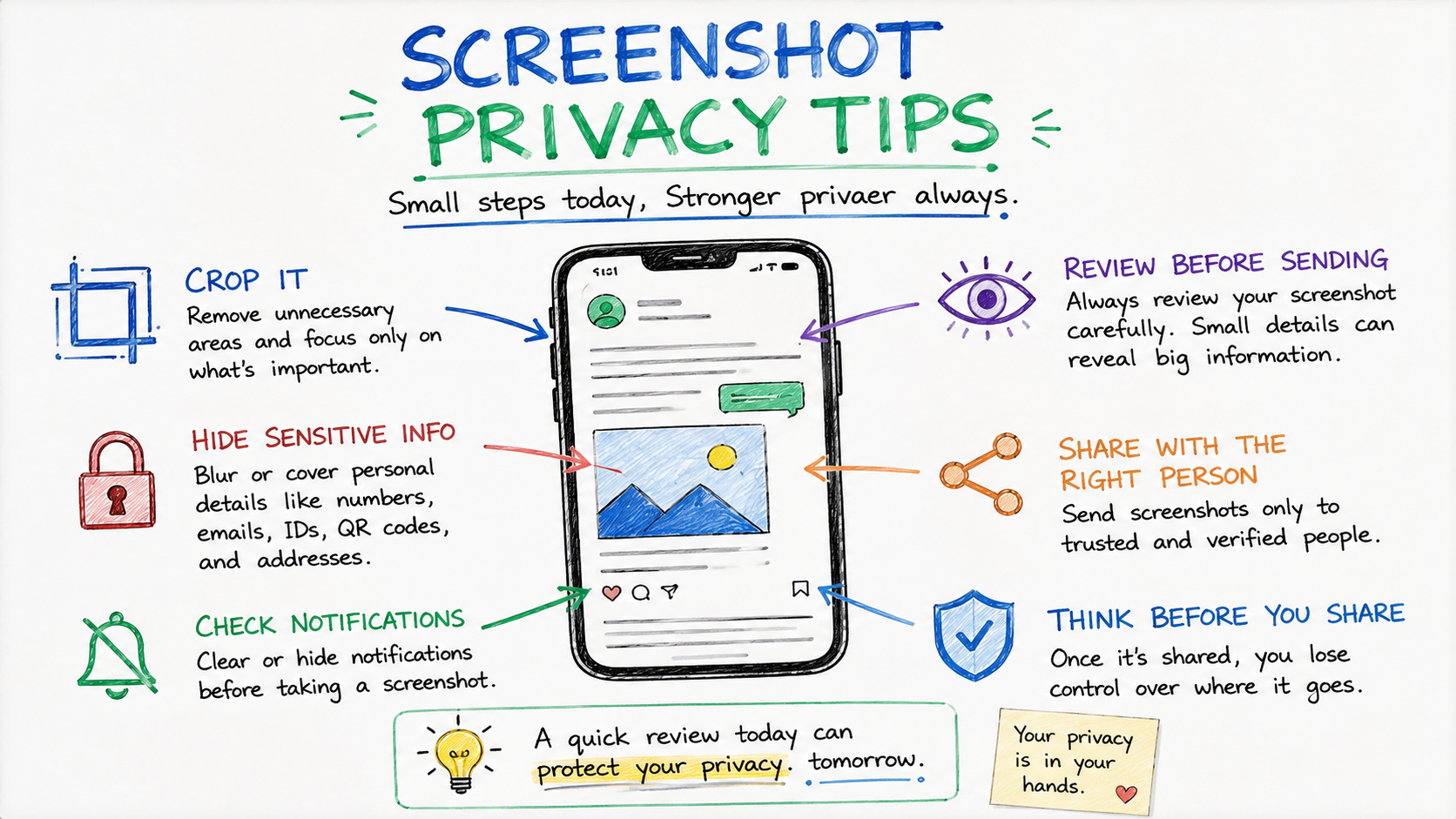
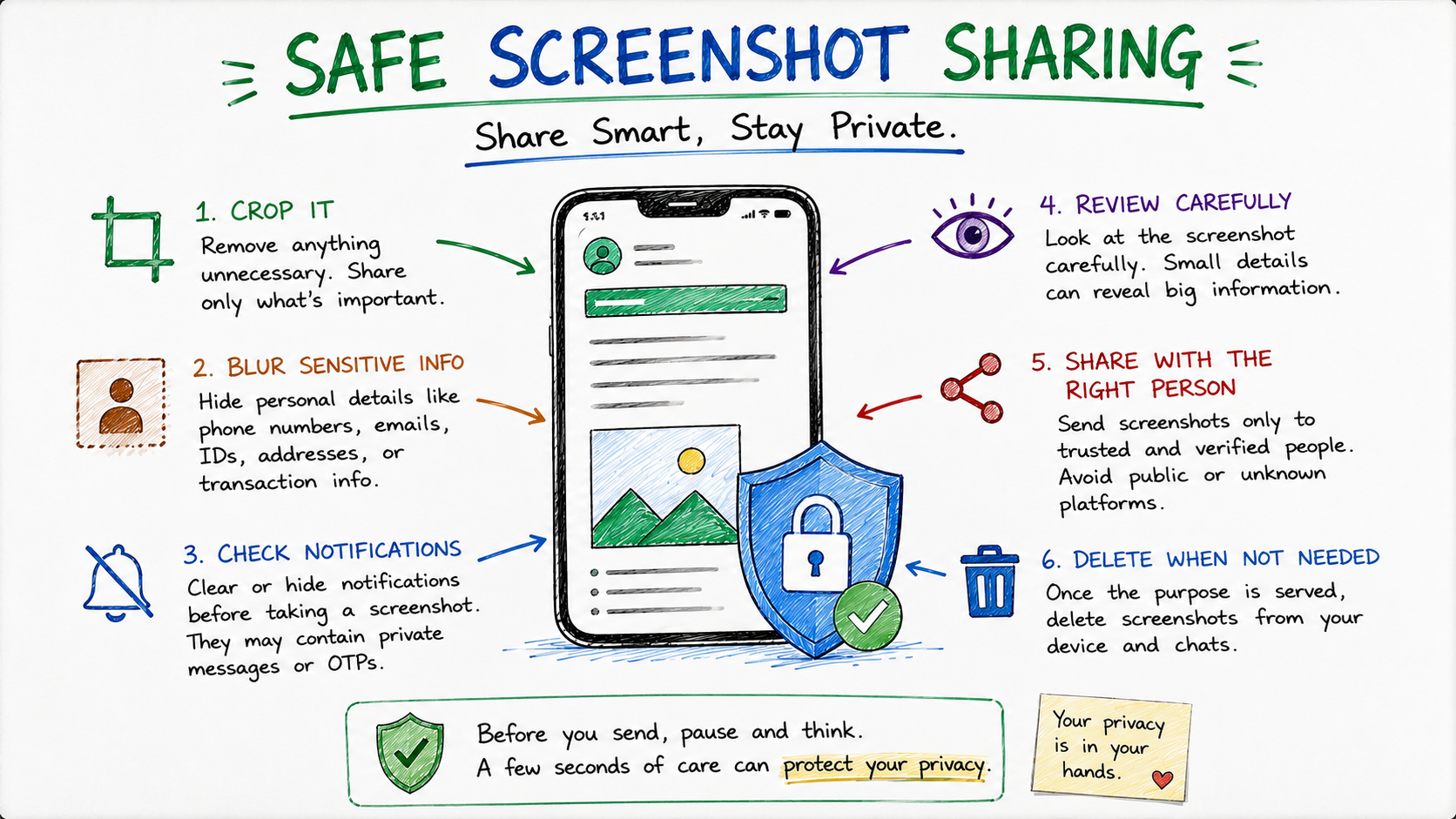
Cropping is easily the simplest privacy habit you can build. Rather than sending the whole screen, trim out anything that isn't part of the point you're trying to make. It keeps your info private and, as a bonus, makes your screenshot look cleaner and easier for the other person to follow.
Almost every phone today has a built-in editor. It literally takes a few seconds to crop, and it saves a lot of unnecessary information from being shared.
Blur Sensitive Bits Instead of Sending Them As-Is
There are times when you genuinely need to send a screenshot — say, to tech support or for verification — but parts of it still need to stay private. In those cases, blur or cover the sensitive stuff like account numbers, addresses, QR codes, customer IDs, OTPs, or any financial info before you send it out.
Most image editors on your phone have quick blur, mosaic, or marker tools built right in. It takes seconds and hides the sensitive parts without ruining the rest of the screenshot.
Check Your Notifications Before You Capture
Phones love popping up notifications right when you don't want them. OTPs, bank alerts, email previews, private messages, calendar reminders, verification codes — any of these can flash on screen just as you're taking a screenshot, and suddenly they're part of the image.
An easy fix: switch on Do Not Disturb or clear your notifications first. Just this one small habit makes sure your screenshot only shows what you actually want to share.
Be Extra Careful When Posting Screenshots Publicly
Sharing a screenshot with one friend is very different from posting it on social media. Once something is public, it can be downloaded, forwarded, indexed by search engines, or reposted by anyone — and taking every copy down later is basically impossible.
If you really do need to post it, go through the image slowly. Blur names, hide profile pictures, remove phone numbers, mask financial info, cover QR codes, and take out anything that could identify you or someone else.
Be Extra Careful With Payment Screenshots
Payment screenshots are one of the most common things people share — usually just to prove that money has been sent. But those tiny images can reveal a lot: transaction IDs, UPI IDs, account numbers, balances, merchant names, and timestamps that really don't need to be out there.
Whenever you can, crop the screenshot down to just the confirmation part. There's no reason to give away extra financial details that could be misused later.
Don't Forget the Background Context
Sometimes the screenshot itself looks fine, but what's around it tells a story you didn't mean to share. A username in the corner, a project name, an office dashboard, a customer list, or a work email quietly sitting in the background can expose stuff you never meant to send.
Give the whole screenshot a proper look — top to bottom — before you send it. Coming back to it with fresh eyes for even ten seconds usually helps you spot the little things you missed while taking it.
A Quick Checklist Before You Hit Send
Next time you're about to send a screenshot, run through this quick mental checklist:
- Does this screenshot show my email address?
- Are any phone numbers visible?
- Can anyone see my notifications?
- Is there any banking or payment info in the frame?
- Are QR codes or order numbers exposed?
- Can I crop or blur anything unnecessary?
- Am I sending this to the right person?
If even one of these makes you pause, take a minute and edit before sending. One extra minute now can save you from privacy headaches that stick around for a long time.
Final Thoughts
Screenshots are super handy, but they can also give away a lot more than you realise. A single image might carry personal info, financial details, notifications, QR codes, or account data that a scammer could use. The safest approach is simple — review, crop, blur, and double-check before you hit send.
Getting into good screenshot habits doesn't just protect you. It also protects the friends, family, coworkers, and customers whose info might accidentally be sitting in your screen. Once a screenshot is out there, controlling where it ends up is nearly impossible. A quick check today is honestly worth it.
Frequently Asked Questions
1. Why are screenshots a privacy risk?
Because they usually contain more than the main content — things like notifications, email addresses, phone numbers, payment details, or open browser tabs that most people don't notice.
2. Should I blur sensitive info before sharing?
Absolutely. Blurring account numbers, QR codes, addresses, transaction IDs, and personal details is one of the easiest ways to protect yourself.
3. Can screenshots really expose banking info?
Yes. Payment confirmations, balances, UPI IDs, and transaction references can all show up in a screenshot if you don't crop it carefully.
4. Is cropping alone enough?
Cropping helps a lot, but you should still glance over what's left in the image to make sure nothing sensitive is still visible.
5. What should I check before sending a screenshot?
Look at notifications, contact details, browser tabs, profile photos, any payment info, QR codes, and anything that could identify you or someone else.
6. Are screenshots safe to post on social media?
Only if you've carefully cleaned out personal and private information first. Once something is public, anyone can save or share it.
7. Can a screenshot reveal my location?
Yes. Maps, ride-sharing apps, travel bookings, and certain notifications can hint at where you are or where you're going.
8. Should I turn off notifications before screenshotting?
Yes. Do Not Disturb mode is your best friend here — it keeps private notifications from sneaking into your screenshots.
9. Does Digital Safety Checker store my screenshots?
No. The tool is built to help you understand the risks of sharing without keeping your personal files.
10. What's the single best habit before sending a screenshot?
Take one careful look at the image, crop out anything extra, blur anything sensitive, and make sure it's going to the right person.
Check Before You Share
Not sure if your screenshot is safe to send? Give our free Digital Safety Checker a try to spot privacy risks in your screenshots, documents, or personal information before it goes out.

Sameer Pal
Sameer Pal is a Content Writer specializing in online security, digital privacy, cyber awareness, and social safety. With over 3 years of experience, he creates practical, easy-to-understand content that helps readers recognize online threats, protect their personal information, and make safer decisions on the internet. His goal is to provide accurate, trustworthy, and user-focused guidance that promotes digital awareness and everyday online safety.
Featured Articles
How to Protect Your Aadhaar Before Sharing Online
Simple, practical ways to share your Aadhaar safely while keeping your identity and personal information protected.
Read Article
10 Common Online Sharing Mistakes You Should Avoid
The most common online privacy slip-ups people make every day — and easy ways to steer clear of them.
Read Article
Safe Ways to Share Identity Documents Online
Smart, expert-backed tips for safely sending your identity documents to organizations online.
Read Article