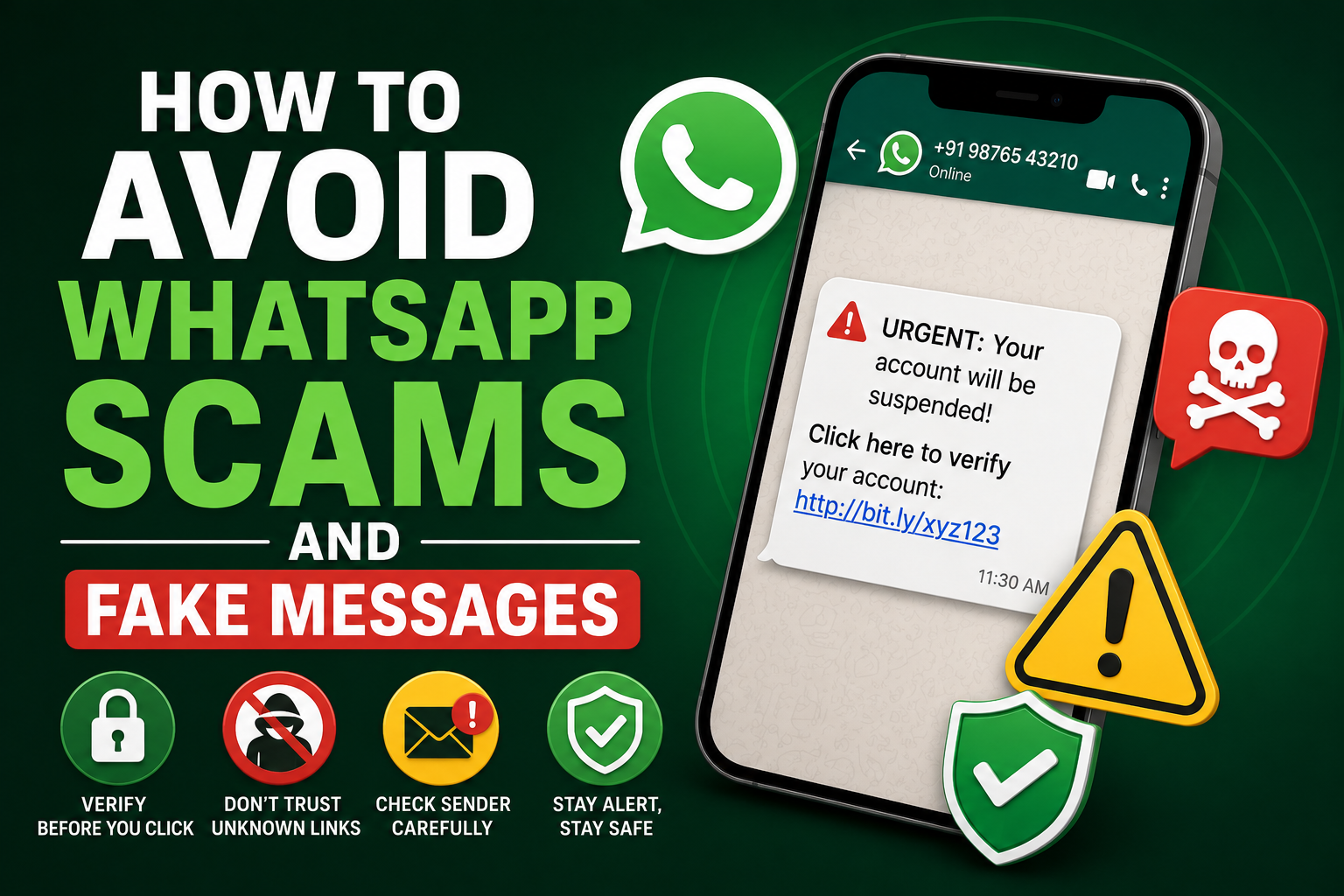
WhatsApp has quietly become the number one playground for online scammers. It's fast, personal, and trusted — which is exactly what makes it so dangerous. A well-crafted message from an unknown number can look surprisingly convincing, and a single wrong tap on a link can drain a bank account in minutes. If you've ever received a "your parcel is stuck at customs" text or a random job offer paying ₹8,000 a day for liking YouTube videos, you already know how creative these scams have become.
The good news is that almost every WhatsApp scam follows a pattern. Once you learn the pattern, spotting them becomes second nature. This guide breaks down how to avoid WhatsApp scams and fake messages — including the newer tricks going around in 2026 — so you can keep your money, identity, and family safe without giving up the app you use every day.
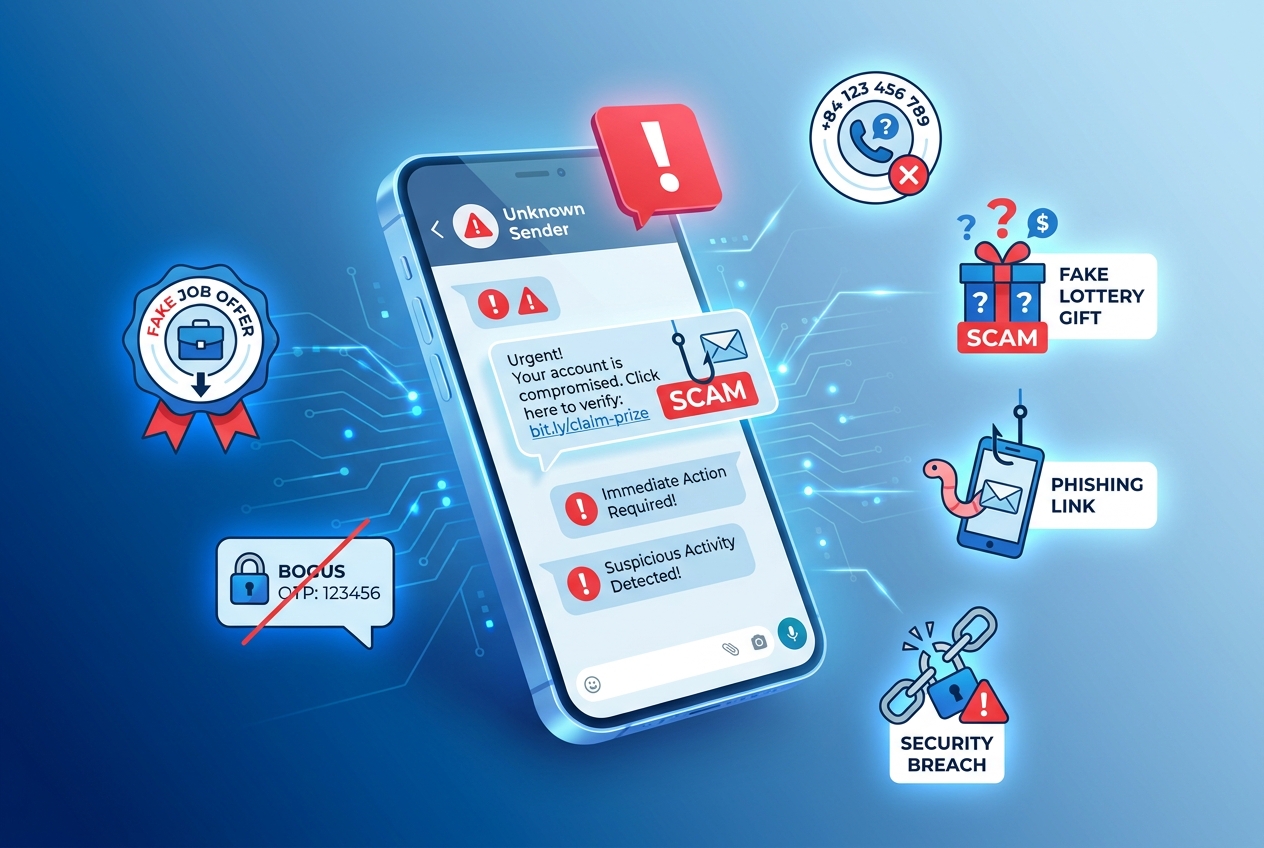
Why WhatsApp Has Become a Scammer's Favorite Tool
WhatsApp feels personal in a way that email never did. When a message pops up with a profile photo and a name, our brain treats it as if a real person is talking to us. Scammers know this — and they use it. Add end-to-end encryption (which also hides them from being tracked easily) plus the ability to message anyone globally, and you've got the perfect environment for fraud to thrive.
The scary part isn't the technology, though — it's the psychology. Most scams win not because they're clever, but because they catch you in a busy, distracted moment.
1. The "Unknown International Number" Trick
If a message pops up from a +84, +62, +1, or unfamiliar country code offering easy money, part-time jobs, or investment tips — it's a scam. These numbers usually belong to organized fraud rings running the same script on thousands of users at once.
Don't reply. Don't say "wrong number." Don't even react with an emoji. Any response signals to them that your number is active. Just report the number inside WhatsApp and block it immediately.
2. Fake Job Offers and "Task-Based" Scams
This is the biggest wave of WhatsApp fraud in 2026. It starts innocently: "Hi, I'm from XYZ HR. We saw your profile. Earn ₹5,000 daily by completing simple online tasks." You do a few tasks, get a small payment, and start trusting the process. Then they ask you to "invest" a small amount to unlock bigger tasks — and that's when the trap closes.
Real jobs never involve upfront payments, Telegram groups, "tasks," or crypto wallets. If the offer sounds unusually easy or unusually generous, it's designed to.
3. The Family Emergency Impersonation
"Hi Papa, I've lost my phone, this is my new number. I need ₹15,000 urgently, please transfer to this account." Sound familiar? Scammers are running this exact script on parents all over the country, and it works far more often than you'd expect because it hits emotionally.
The fix is simple: never send money based on a WhatsApp message alone. Call the original number. Ask a question only your real family member would know. Two minutes of verification saves a fortune.
4. Fake Bank, KYC, and OTP Messages
"Your account will be blocked in 24 hours. Complete your KYC now." These messages usually come with a shortened link (bit.ly, tinyurl, or lookalike bank domains). Tap the link, enter your details, and boom — scammers now have your login credentials, card number, or UPI PIN.
Real banks never send KYC links over WhatsApp. Ever. If you're unsure, close the message and log in to your bank's official app instead.
5. WhatsApp Account Takeover via OTP
This one is sneaky. A "friend" messages you saying, "I accidentally sent my OTP to your number, can you forward it?" That OTP is actually your own WhatsApp verification code. The moment you send it, your account gets hijacked, and scammers use it to run scams on your entire contact list.
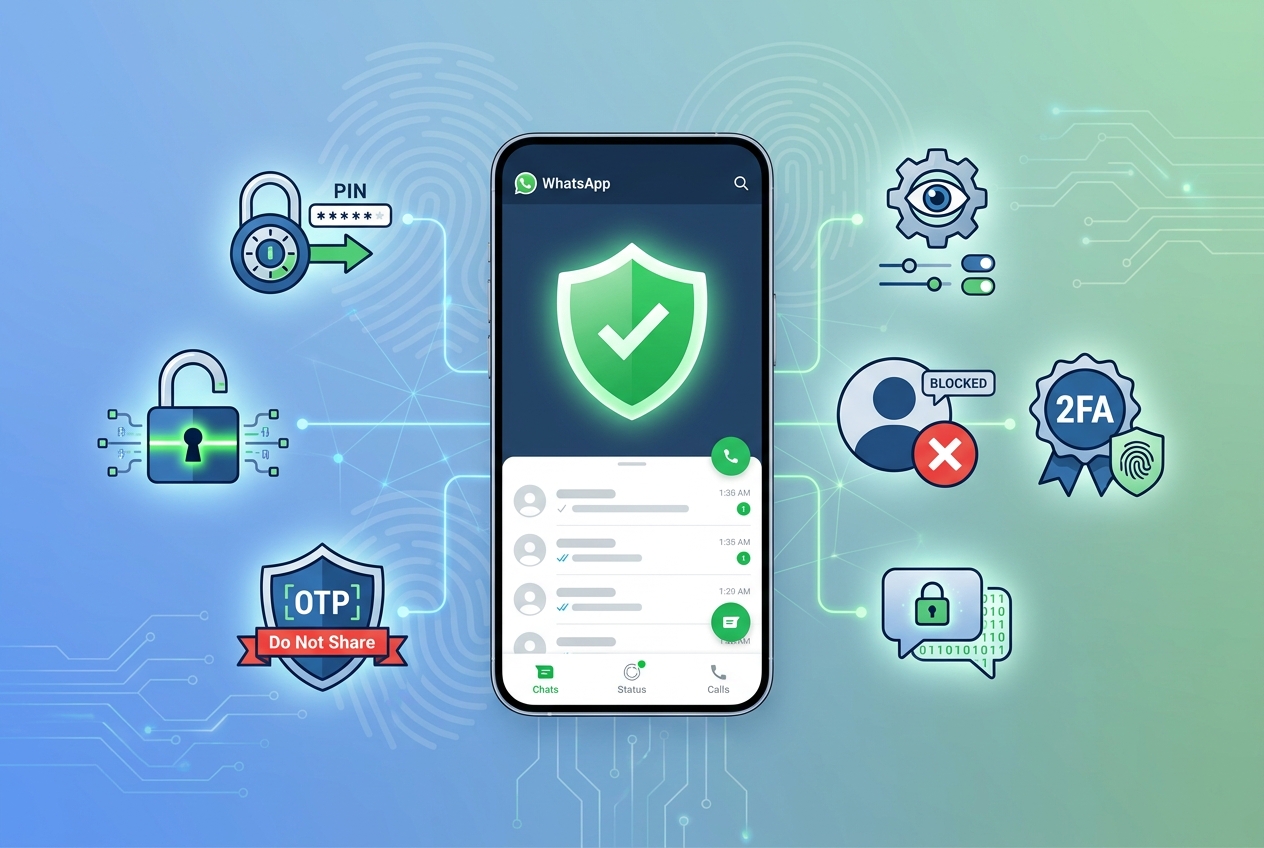
Never share any 6-digit code with anyone. Also, turn on Two-Step Verification inside WhatsApp settings — it adds a PIN that scammers can't bypass even if they steal the OTP.
6. Fake Delivery and Customs Messages
"Your parcel is on hold at customs. Pay ₹50 to release it." Everyone gets one of these eventually. The ₹50 feels small, but the real goal is to capture your card details for larger fraudulent transactions later.
Real delivery companies communicate through their apps or SMS from verified sender IDs — never through random WhatsApp accounts asking for tiny payments.
7. Investment, Crypto, and Trading Scams
A "beautiful stranger" messages you, chats casually, then slowly introduces you to a "trading platform" where their uncle made crores. These scams — often called "pig butchering" — can run for weeks before the trap closes. Once you deposit, the platform "freezes" your withdrawal, and everyone disappears.
Any stranger on WhatsApp talking about investments, crypto, forex, or "insider tips" is a red flag. Block first, question later.
8. Group Add Scams and Fake Admins
Sometimes you're randomly added to a group full of strangers hyping stocks, crypto, or gambling apps. The admins pose as financial experts, share fake screenshots of profits, and try to funnel members into shady investment platforms.
Go to WhatsApp Settings → Privacy → Groups → and set it to "My Contacts." This blocks strangers from adding you to groups without permission — one of the most underused privacy settings on the app.
9. AI Voice Cloning and Deepfake Calls
This is the newest layer of WhatsApp fraud. Scammers scrape voice clips from social media, use AI to clone the voice, and then call you sounding exactly like your child, sibling, or friend — asking for urgent money. Some are even doing short video deepfakes on WhatsApp video calls.
The safest habit: create a family "safe word." If a video or voice call feels off, ask for the safe word. No safe word = no money transfer.
10. Lottery, Gift, and "You've Won" Messages
Congratulations messages claiming you won a KBC lottery, iPhone giveaway, or foreign prize are still going strong. They ask you to pay a "processing fee" or share bank details to receive the reward. Spoiler: there is no reward.
Rule of thumb — if you didn't enter a contest, you didn't win it. Delete and move on.
📚 Read More
Simple Habits That Keep WhatsApp Scams Away
A few small habits massively reduce your chances of falling for any WhatsApp scam:
- Enable Two-Step Verification in WhatsApp settings.
- Never share OTPs — not even with "friends."
- Turn on "Silence Unknown Callers" to block scam calls.
- Set groups to "My Contacts" to avoid random group adds.
- Hide your profile photo from strangers.
- Report and block suspicious numbers immediately.
- Never click shortened links from unknown senders.
These small privacy tweaks quietly close the doors scammers usually walk through.
What to Do If You've Already Been Scammed
If money has already been sent, act fast. Call 1930 (India's cybercrime helpline) within the first hour — that's the golden window when banks can still reverse or freeze transactions. Also file a complaint at cybercrime.gov.in. Change your UPI PIN, banking passwords, and enable transaction alerts on every account.
If your WhatsApp account itself has been hijacked, uninstall and reinstall the app, verify with your number again, and this scarier feeling passes quickly once you're back in control.
Final Thoughts
Learning how to avoid WhatsApp scams and fake messages isn't about becoming suspicious of everyone. It's about knowing the patterns so you can respond calmly when they show up. Scammers count on urgency, emotion, and distraction. Slow down for ten seconds, verify through another channel, and 99% of scams fall apart before they can hurt you.
Trust the app. Just don't trust every message inside it.
Frequently Asked Questions
1. How do I know if a WhatsApp message is fake?
Look for unknown numbers, urgent language, unusual offers, shortened links, or requests for OTPs, payments, or personal information. Any one of these is a red flag.
2. Can scammers hack my WhatsApp without my OTP?
It's very hard without the OTP. That's why Two-Step Verification and never sharing your code are so important.
3. Are international WhatsApp numbers always scams?
Not always, but unsolicited messages from unknown foreign numbers offering money, jobs, or prizes almost always are.
4. What should I do if I clicked a scam link?
Disconnect from the internet, run a security scan, change important passwords, and monitor your bank and UPI for suspicious activity.
5. Can WhatsApp video calls be faked?
Yes. Deepfake video and AI voice cloning are on the rise. Always verify unusual requests through a second channel.
6. How do I stop being added to random WhatsApp groups?
Go to Settings → Privacy → Groups → and select "My Contacts." Strangers won't be able to add you anymore.
7. What is the cybercrime helpline in India?
Call 1930 or file a complaint at cybercrime.gov.in. The first hour after a scam is the most critical.
8. Are shortened links always dangerous?
Not always, but they hide the real destination. On WhatsApp, treat any shortened link from an unknown sender as suspicious.
9. What's the safest habit to protect my WhatsApp account?
Enable Two-Step Verification, never share OTPs, and set your privacy for profile photo, status, and last seen to "My Contacts."
10. How can Digital Safety Checker help with WhatsApp scams?
It helps you evaluate the risks of sharing documents, links, or screenshots — so you understand the danger before you hit send.
Stop Scams Before They Reach You
Not sure if a link, document, or message is safe to trust? Use our free Digital Safety Checker to spot online risks before they cost you your money or identity.

Sameer Pal
Sameer Pal is a Content Writer specializing in online security, digital privacy, cyber awareness, and social safety. With over 3 years of experience, he creates practical, easy-to-understand content that helps readers recognize online threats, protect their personal information, and make safer decisions on the internet. His goal is to provide accurate, trustworthy, and user-focused guidance that promotes digital awareness and everyday online safety.
Featured Articles
Safe Ways to Share Identity Documents Online
Discover practical methods to send important documents securely using trusted platforms.
Read Article
10 Common Online Sharing Mistakes You Should Avoid
The most common online privacy slip-ups people make every day — and easy ways to steer clear of them.
Read Article
What Is Identity Theft and How Can You Prevent It?
Learn how identity theft happens and the practical steps you can take to protect your personal information.
Read Article