Let's be honest — most of us share things online without giving it a second thought. A quick Aadhaar photo to a landlord, a boarding pass snap for the family group, a resume dropped into an unknown HR email, or a vacation selfie posted while we're still on the beach. It feels normal. But every time we hit send or post, a small trail of personal information is left behind, and that trail is a lot bigger than people realise.
The tricky part is that nobody wakes up and decides to leak their own data. It usually happens by accident. People simply don't know how useful their information is to scammers, data brokers, or someone trying to piece together an identity. One screenshot on its own may look harmless — but stitched together with details from other places, it can tell a stranger far more about you than you'd ever want.
The good news? You don't need to be a tech expert to stay safe. A little awareness and a few smart habits are usually enough to keep the biggest risks away. Let's walk through the mistakes people make most often — and how to avoid them.
1. Sharing Personal Documents Without Checking Who's Actually Asking
This is easily the number one mistake. Someone messages claiming to be from your bank, a delivery company, HR, or even a government office — and because the request sounds urgent, people send their ID without thinking. Scammers rely on that panic. The urgency is the trick.
Before you send anything, take a breath and verify. Call the official number listed on the company's real website, not the one in the message. Two minutes of checking can save you from months of cleaning up a stolen identity.
2. Sending Aadhaar or ID Cards Without Masking Them
Here's something most people don't realise — most places asking for your Aadhaar don't actually need the full number. A Masked Aadhaar, which hides the first eight digits and only shows the last four, works perfectly fine for the majority of verifications.
The same logic applies to any document. If someone only needs to see your name or photo, crop the rest out. There's no reason to hand over more information than what's genuinely required.
3. Posting Travel Documents on Social Media
We've all seen it — someone excited about their trip posts a photo of their boarding pass or passport on Instagram. The problem is that these documents carry booking references, QR codes, passport numbers, and PNRs that can be scanned and misused. Some scammers actively hunt for these posts.
If you want to share the excitement, share the view from your window seat, not the ticket. Same vibe, zero risk.
4. Forgetting That Screenshots Show More Than You Think
Screenshots are sneaky. You think you're just sharing one thing, but the image also captures notification banners, open browser tabs, email previews, WhatsApp names, UPI balances, and sometimes even your battery percentage giving away your location patterns.
Before you send a screenshot, actually look at it. Crop the edges, blur anything sensitive, and check if any pop-up sneaked into the frame right when you clicked capture.
5. Trusting Links a Little Too Easily
Not every login page is what it looks like. Fake websites today are polished — same logo, same colours, same fonts as the real thing. One small typo in the URL is often the only difference.
Before entering any details, glance at the address bar. Is it HTTPS? Is the domain spelled correctly? Is it really the official site? If anything feels slightly off, close the tab and go to the site directly through Google or the official app.
📚 Read More
Why These Small Mistakes Actually Matter
Here's the thing about cybercriminals — they rarely need one big leak. They collect little bits from everywhere. Your phone number from a Facebook comment. Your birthday from LinkedIn wishes. Your Aadhaar from a forwarded WhatsApp chat. Your address from an old delivery screenshot. Put together, that's a full identity profile.
Once they have enough, they can open fake accounts, run phishing attacks, impersonate you, or slip past verification systems. The more of yourself you leave online, the easier you make their job.
6. Dropping Documents in Group Chats
A lot of people assume group chats are safe because "everyone in it is known." But even trusted contacts can forward files, save images to their gallery, or accidentally back everything up to the cloud. Once your document leaves your phone, you no longer control where it lands.
If you can, send sensitive files one-to-one instead of dropping them in a group. And if a group share is unavoidable, at least mask or watermark the document first.
7. Ignoring Privacy Settings on Social Media
Most people set up their profile once and never touch the privacy settings again. Meanwhile, the platform quietly updates its defaults, and suddenly your photos, phone number, or friends list are visible to people you've never met.
Every few months, take five minutes and go through your settings. Turn off what you don't need, lock down what's personal, and check who can actually see your posts. It's a boring task, but it genuinely helps.
8. Sending the Full Document When Only a Small Part Is Needed
A lot of verifications only need a specific detail — maybe your name, your photo, or the last four digits of an ID. But out of habit, people send the entire document with the full address, QR code, and every other field visible.
Before uploading anything, ask yourself: "Do they really need all of this?" Nine times out of ten, the answer is no. Crop what's not needed and hide the rest.
9. Thinking Deleted Messages Are Really Gone
"Delete for everyone" gives us a false sense of safety. By the time you tap it, the other person may have already seen the message, downloaded the file, taken a screenshot, or had it auto-saved to their gallery. In some cases, the file is still sitting quietly in someone's cloud backup.
A safer mindset: assume everything you send is permanent. If you wouldn't be comfortable seeing it on a public post tomorrow, don't send it today.
10. Sharing in a Hurry Without Thinking
Honestly, this is where most privacy slip-ups happen. Someone's in a rush, or under pressure, or just not paying attention — and they send off a document without checking anything. That thirty seconds you skip can turn into months of fixing the mess.
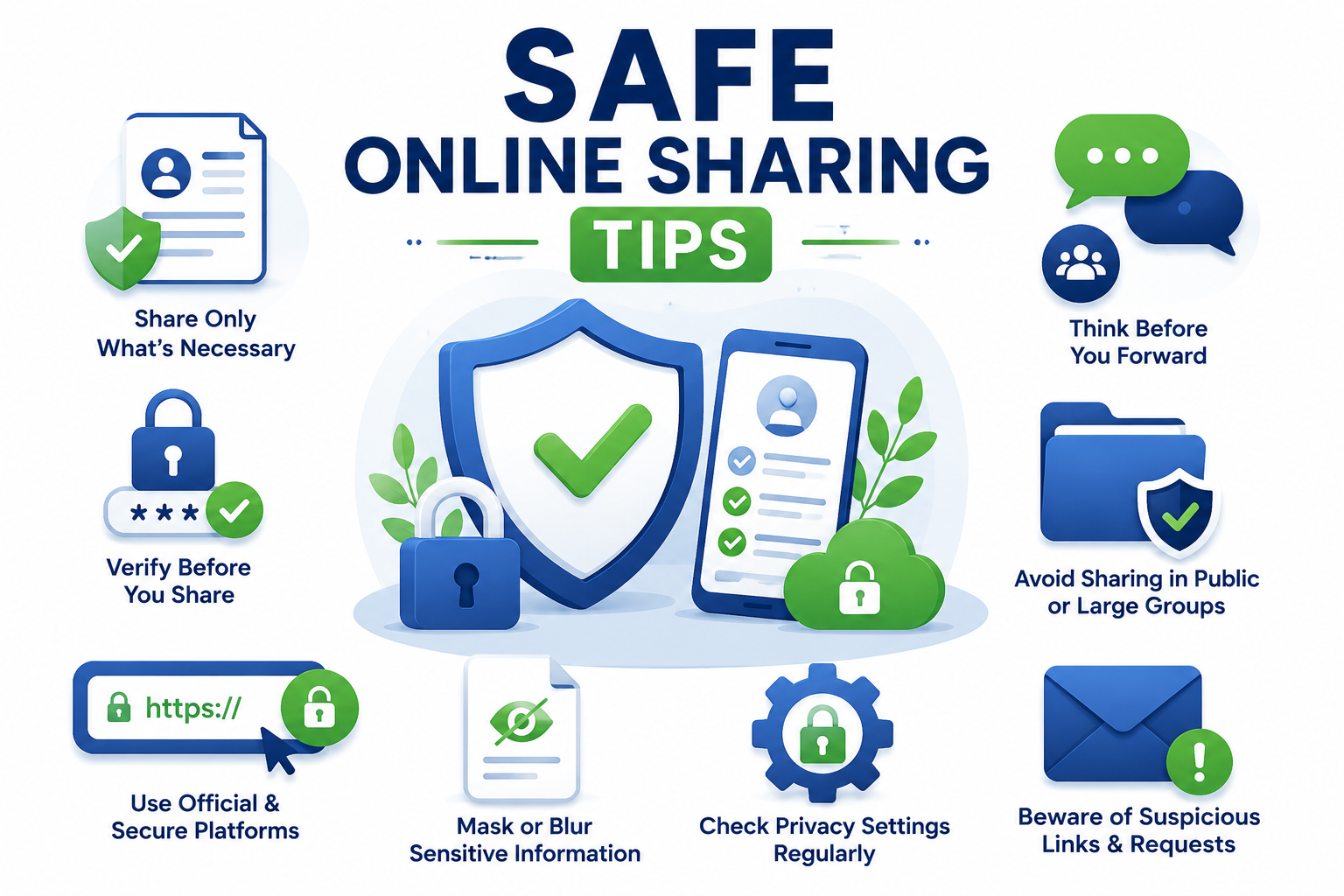
Before you send anything sensitive, run through a quick mental checklist:
- Who is actually asking for this?
- Is this the official person or platform?
- Do they really need the whole document?
- Can I send a masked version instead?
- Would I be okay if this file ended up somewhere else?
If even one answer feels shaky, pause. Verify first, share later.
Small Habits That Go a Long Way
Staying safe online isn't about being paranoid or logging off. It's just about building a few simple habits. Use official portals when you can, mask sensitive documents, double-check screenshots, turn on two-factor authentication, avoid public Wi-Fi for anything financial, and review your privacy settings once in a while.
None of this takes much effort, but together it makes a huge difference in how exposed you are online.
Final Thoughts
Most privacy problems don't happen because of some Hollywood-style hacker breaking into servers. They happen because regular people share a little too much, a little too often, without realising it. Every photo, screenshot, and forwarded document adds another line to your digital story.
Avoiding these ten common mistakes doesn't take a lot — just a few extra seconds of thought before you hit send. Because once something is out there, pulling it back is nearly impossible. A small pause today can save you from a very big headache tomorrow.
Frequently Asked Questions
1. Why is sharing personal documents online risky?
Because most documents carry more than just your name — ID numbers, addresses, QR codes, and other details that can easily be misused for identity theft or fraud.
2. Is it safe to send Aadhaar cards through WhatsApp?
Only if you really have to. Even then, use a Masked Aadhaar and send it directly to someone you've verified — never in a group chat.
3. What is the safest way to share identity documents?
Go through official websites or secure verification portals whenever possible, and crop or hide anything that isn't needed for that specific purpose.
4. Should I post boarding passes on social media?
No. Boarding passes carry booking codes and travel info that can be scanned or misused. Share the trip photos, not the ticket.
5. Are screenshots really that dangerous?
They can be. Screenshots often capture notifications, open tabs, contact names, or payment details that you didn't even notice were on your screen.
6. Can deleting a message protect my information?
Not really. The person on the other end may have already read it, saved it, screenshotted it, or backed it up before you deleted it.
7. What is a masked document?
It's a version of your document where sensitive parts are hidden, leaving only what's needed for verification visible. It's a simple and effective privacy layer.
8. How often should I review my privacy settings?
Every couple of months is a good rhythm. Platforms keep updating their settings, and defaults often lean toward more visibility than you'd expect.
9. Does this tool upload my information?
No. Everything is analyzed locally on your device — your documents are never uploaded anywhere.
10. How can this Digital Safety Checker help me?
It gives you a quick sense of how risky a document or screenshot might be to share, and suggests simple ways to make it safer before you send.
Check Your Sharing Risk Before You Send
Not sure if that document or screenshot is really safe to share? Run it through our free Digital Safety Checker first and see the risks before your information leaves your phone.

Sameer Pal
Sameer Pal is a Content Writer specializing in online security, digital privacy, cyber awareness, and social safety. With over 3 years of experience, he creates practical, easy-to-understand content that helps readers recognize online threats, protect their personal information, and make safer decisions on the internet. His goal is to provide accurate, trustworthy, and user-focused guidance that promotes digital awareness and everyday online safety.
Featured Articles
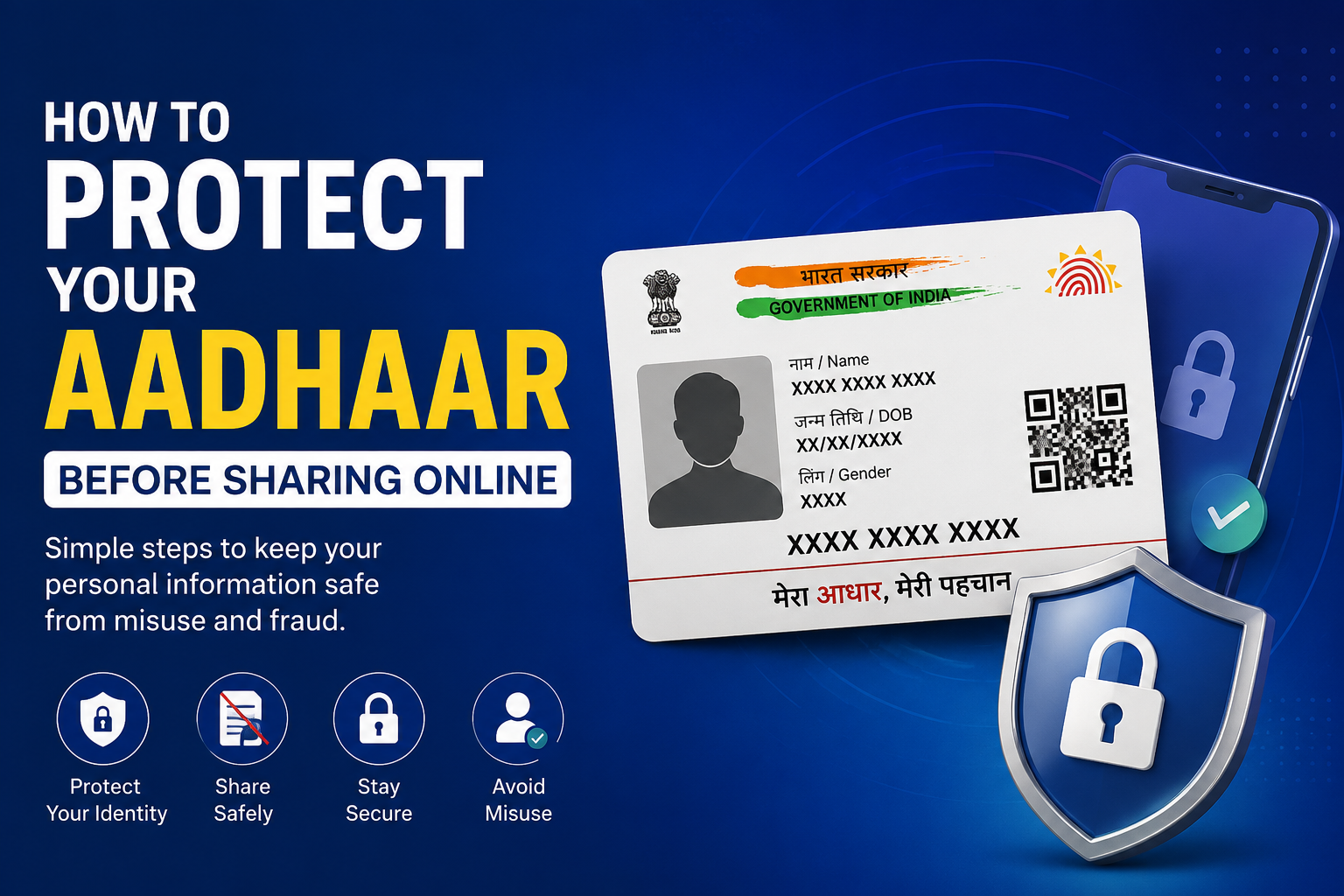
How to Protect Your Aadhaar Before Sharing Online
Simple, practical ways to share your Aadhaar safely while keeping your identity and personal information protected.
Read Article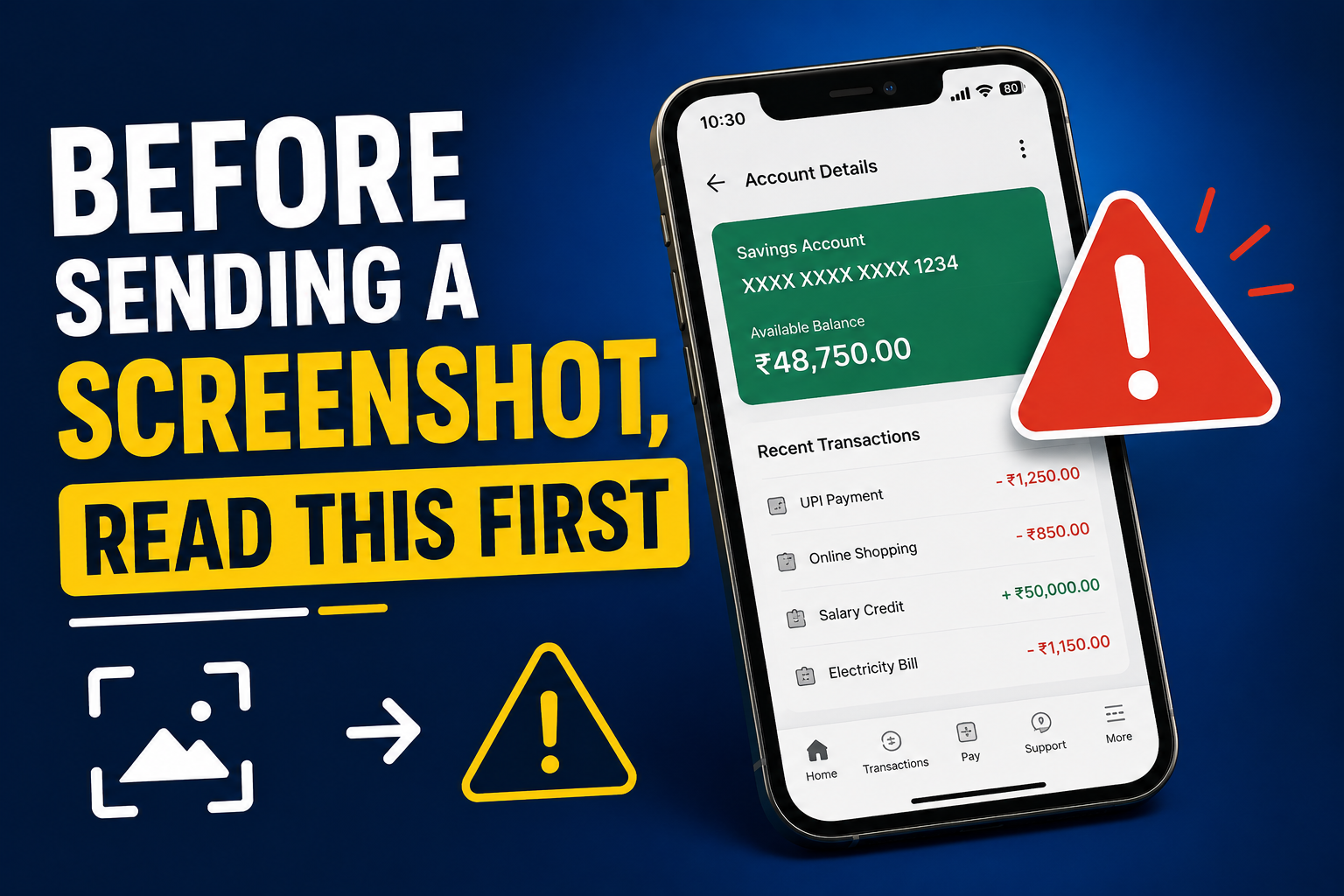
How to Protect Your Aadhaar Before Sharing Online
Many screenshots contain hidden personal information. Learn what to remove before sharing.
Read Article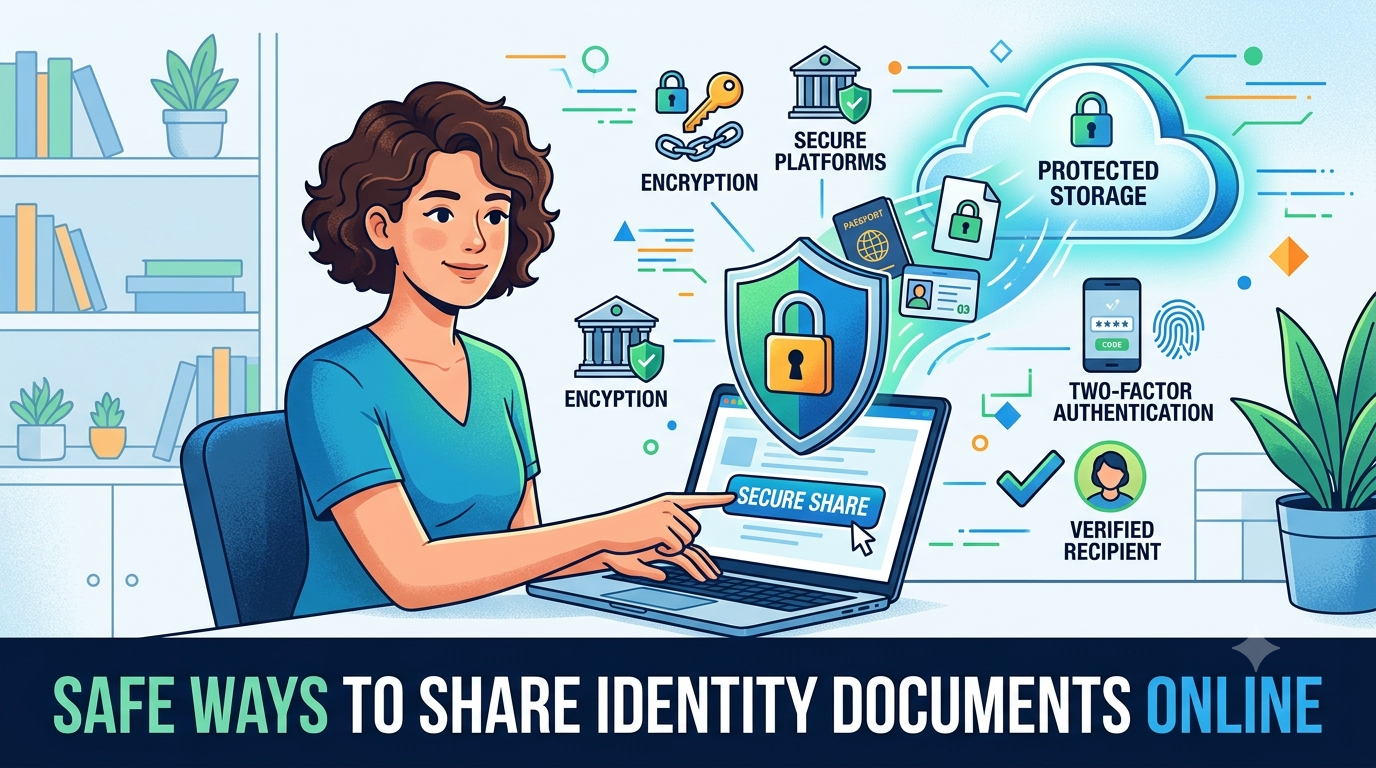
Safe Ways to Share Identity Documents Online
Smart, expert-backed tips for safely sending your identity documents to organizations online.
Read Article