Sharing photos online has become so second-nature that most of us barely think about it. A quick selfie on Instagram, a family photo on WhatsApp, a birthday snap on the family group, a picture of your new car outside your house — it all feels harmless. But behind every photo you share sits a surprising amount of hidden information: your location, your daily patterns, your face data, and sometimes even sensitive details in the background that a scammer would love to have.
The reality in 2026 is that photos aren't just images anymore. They're data. AI tools can scan them, extract information, match faces, cross-reference other posts, and slowly build a full profile of a person. Learning how to share personal photos without compromising privacy is no longer optional — it's a core digital safety skill.
This guide walks you through advanced, practical, and beginner-friendly ways to keep your images safe, without asking you to stop enjoying the internet.
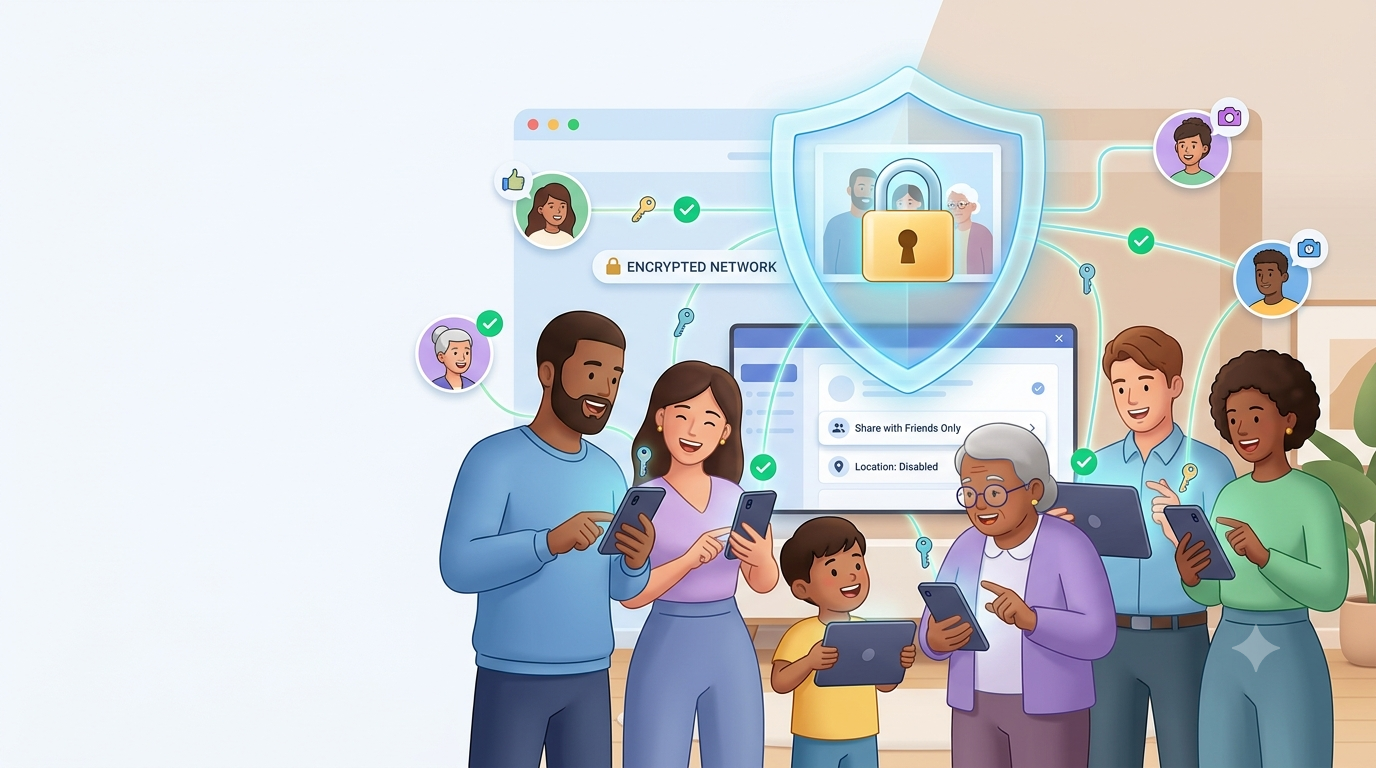
Why Sharing Photos Is Riskier Than It Looks
A photo isn't just what you see. Every image you take carries a hidden data layer known as EXIF metadata. This can include the exact GPS coordinates of where the photo was taken, the device used, the time and date, the camera settings, and even the app that edited it. When you upload that photo somewhere, all of this can potentially travel with it.
Add face recognition, background details, reflections in mirrors, visible ID cards, home interiors, license plates, and school uniforms into the mix, and it becomes clear how easily a single photo can reveal way more than intended.
1. Always Strip EXIF Data Before Uploading
This is the number one advanced habit most people ignore. EXIF data can silently expose your home address, workplace, gym, or a child's school location. Most social platforms strip this automatically, but messaging apps, cloud drives, and direct file uploads often keep it intact.
Use free tools like ExifCleaner, ImageOptim, or your phone's built-in "Remove Location" option before uploading. On iPhone: Photos → Share → Options → turn off Location. On Android: Google Photos → three-dot menu → Remove geo location. Simple, but powerful.
2. Check the Background Before You Post
The subject of your photo isn't always the risk — the background is. Reflections in mirrors, TV screens, laptops, windows, or glossy tables can reveal your face, your surroundings, or even documents lying on your desk. Photos of "my new home" often accidentally include a courier package with your full address, or a WiFi router with the SSID and password sticker visible.
Before posting, zoom into every corner of the image. If something identifiable is visible — crop it, blur it, or retake the shot.
3. Be Careful With Photos of Children
Photos of kids demand an extra layer of caution. Uniforms give away schools. Birthday photos give away DOB. Repeated posts from the same location reveal daily routines. In extreme cases, images of children can even be scraped and misused on unsafe corners of the internet.
Advanced tip: use platforms with private albums or friends-only visibility, avoid tagging school names, and never post uniform close-ups or ID cards. If you must share, share sparingly — and never in public posts.
4. Turn Off "Automatic Photo Backup" Where Not Needed
Many apps quietly back up your entire gallery to their cloud — including screenshots of documents, IDs, OTPs, and private photos. If that cloud account ever gets breached, everything is exposed.
Review the auto-backup settings on Google Photos, iCloud, WhatsApp, Telegram, and Samsung Cloud. Keep backups only where you truly need them, and enable two-factor authentication on those accounts as an additional security layer.
5. Use Face Blur for Group and Public Photos
When posting photos with other people — friends, coworkers, strangers in the background — always consider blurring faces that aren't yours. Face-recognition AI can match faces across social platforms in seconds, so an innocent group photo can accidentally expose someone else's identity or location.
Most phones and photo editors offer a blur or emoji sticker feature. Use it. Consent matters — and so does responsibility toward others in the frame.
6. Lock Down Your Social Media Photo Visibility
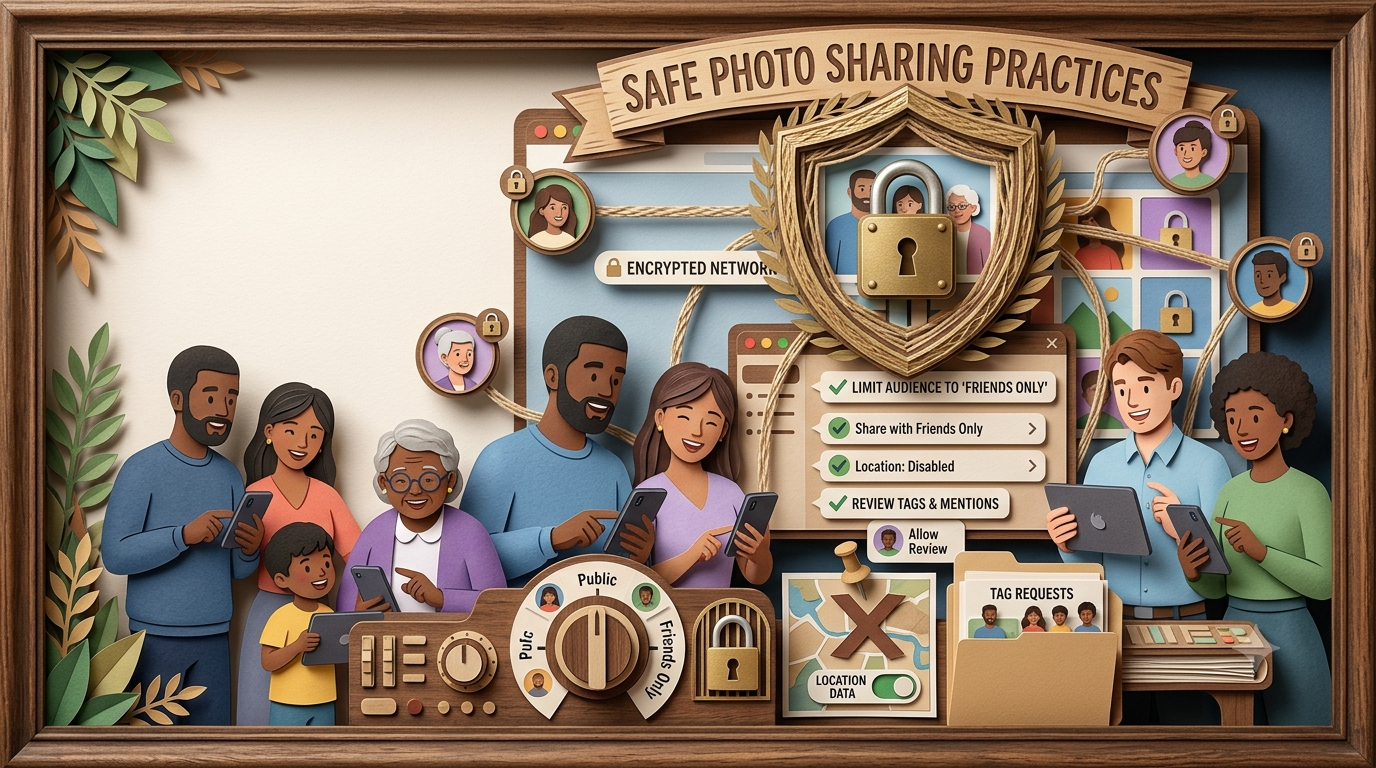
Advanced privacy starts with settings you never touch. On Instagram, switch to a private account. On Facebook, restrict "Old Posts" to "Friends Only" from Privacy Settings. On WhatsApp, set your profile photo and status to "My Contacts." On LinkedIn, disable public profile photo visibility if you don't want recruiters or scammers scraping your face.
Do a privacy audit every 3–4 months. Platforms silently roll out new features that reset defaults.
7. Don't Post Real-Time Location Photos
"Live" sharing is one of the biggest privacy leaks people don't take seriously. Posting a photo from your restaurant table, hotel lobby, or vacation spot in real time literally tells the world you're not at home. Stalkers, burglars, and social engineers love this pattern.
Advanced habit: post travel photos after you return. Same joy, zero risk. If you must post live, use vague locations instead of exact ones (e.g., "somewhere in Goa" instead of a tagged resort).
8. Use Watermarks on Photos You Care About
If you're a creator, freelancer, business owner, or someone who shares professional photos, always watermark them. Watermarks prevent theft, protect against reposting, and make it harder for scammers to use your images in fake profiles or dating scams.
Even simple diagonal watermarks in low-opacity text discourage misuse. Tools like Canva, Photopea, or built-in phone editors make it easy in 30 seconds.
9. Be Extra Careful With AI Photo Apps
Trendy AI avatar and photo-enhancement apps look fun, but many of them store your face data on their servers and sometimes train models on your photos. Once your biometric face data is uploaded, you have no real way to get it back.
Advanced rule: read the privacy policy before uploading photos to any AI app. If it says "we may use your images to train models" or "data stored indefinitely" — walk away. Your face is not worth a viral filter.
10. Avoid Sending Photos Through Unsecured Channels
Not every messaging platform is end-to-end encrypted. Emailing personal photos through unencrypted email, uploading them to random file-sharing sites, or sending them via unknown apps opens the door to interception and leaks.
Stick with trusted platforms that offer end-to-end encryption (WhatsApp, Signal). For sensitive photos, share password-protected ZIP files, and send the password through a separate secure channel.
Watch Related Video
Prefer watching? Open this video directly on YouTube.
📚 Read More
Advanced Habits That Take Photo Privacy to the Next Level
Once you've got the basics down, here are advanced habits real privacy-conscious users follow:
- Use "disappearing photos" in WhatsApp and Instagram for one-time views.
- Turn on "View Once" for extra-sensitive images.
- Reverse image search your own photos every few months to see if they've been reposted somewhere.
- Disable image indexing for private cloud folders.
- Use a separate Google account for backing up sensitive photos.
- Regularly clean up shared albums and old photo links that no longer need to exist.
These habits sound small, but stacked together, they make your digital footprint significantly harder to exploit.
What to Do If Your Photo Has Already Been Misused
If your photo has been used without permission — in a fake profile, a scam ad, or reposted somewhere shady — act fast. Report the content on the platform, use Google's "Remove outdated content" tool, and file a cyber complaint at cybercrime.gov.in. For serious cases like impersonation, contact your local cybercrime cell.
Save screenshots as evidence. The faster you report, the better your chances of removal.
Final Thoughts
Sharing photos is one of the best parts of being online. Vacations, celebrations, milestones — they're worth capturing and sharing. But every image you post adds a tiny piece to your digital identity, and in the wrong hands, that identity can be misused in surprisingly creative ways.
The good news: you don't need to stop sharing. You just need to share smarter. Strip metadata, blur backgrounds, lock down visibility, avoid real-time location posts, and be picky about which apps get access to your images. Do those consistently, and you'll enjoy the internet without giving up your privacy.
Frequently Asked Questions
1. What is EXIF data in a photo?
EXIF data is hidden metadata inside every photo, including GPS location, device model, timestamp, and camera settings. Removing it before uploading is essential for privacy.
2. Do social media platforms remove EXIF data automatically?
Most major platforms strip metadata during upload, but messaging apps, emails, and cloud sharing often don't. Always check manually for sensitive photos.
3. Is it safe to post children's photos online?
Only in private albums, with limited visibility, no school info, and no uniform close-ups. Public posting of children's photos is best avoided.
4. Can someone locate my home from a photo?
Yes, if EXIF location is enabled, or if visible landmarks, addresses, or courier packages appear in the image background.
5. Are AI photo enhancement apps safe?
Many aren't. Always read the privacy policy and avoid apps that store or train on your uploaded images.
6. Should I turn off location tagging on my phone?
Yes, at least for photos you plan to share. It prevents location metadata from being embedded in your images.
7. Is it safer to send photos through WhatsApp or email?
WhatsApp offers end-to-end encryption, making it safer than most email services. For very sensitive photos, use password-protected files.
8. Can watermarks protect my photos?
Yes. Watermarks discourage theft, prevent misuse, and make it harder for scammers to reuse your images in fake profiles or ads.
9. What should I do if someone misuses my photo?
Report it to the platform, use Google's removal tool, save evidence, and file a complaint at cybercrime.gov.in for serious cases.
10. How does Digital Safety Checker help with photo privacy?
It helps you evaluate whether a photo or screenshot contains hidden risks — like location data, sensitive backgrounds, or identifiable information — before you share it.
Check Your Photo Before You Share It
Not sure if your photo is safe to share? Use our free Digital Safety Checker to spot hidden privacy risks and get simple recommendations before your image goes out.

Sameer Pal
Sameer Pal is a Content Writer specializing in online security, digital privacy, cyber awareness, and social safety. With over 3 years of experience, he creates practical, easy-to-understand content that helps readers recognize online threats, protect their personal information, and make safer decisions on the internet. His goal is to provide accurate, trustworthy, and user-focused guidance that promotes digital awareness and everyday online safety.
Featured Articles

How to Identify Phishing Emails Before It's Too Late
Recognize common phishing techniques and learn how to avoid fake emails requesting sensitive information.
Read Article
10 Common Online Sharing Mistakes You Should Avoid
The most common online privacy slip-ups people make every day — and easy ways to steer clear of them.
Read Article
What Is Identity Theft and How Can You Prevent It?
Learn how identity theft happens and the practical steps you can take to protect your personal information.
Read Article