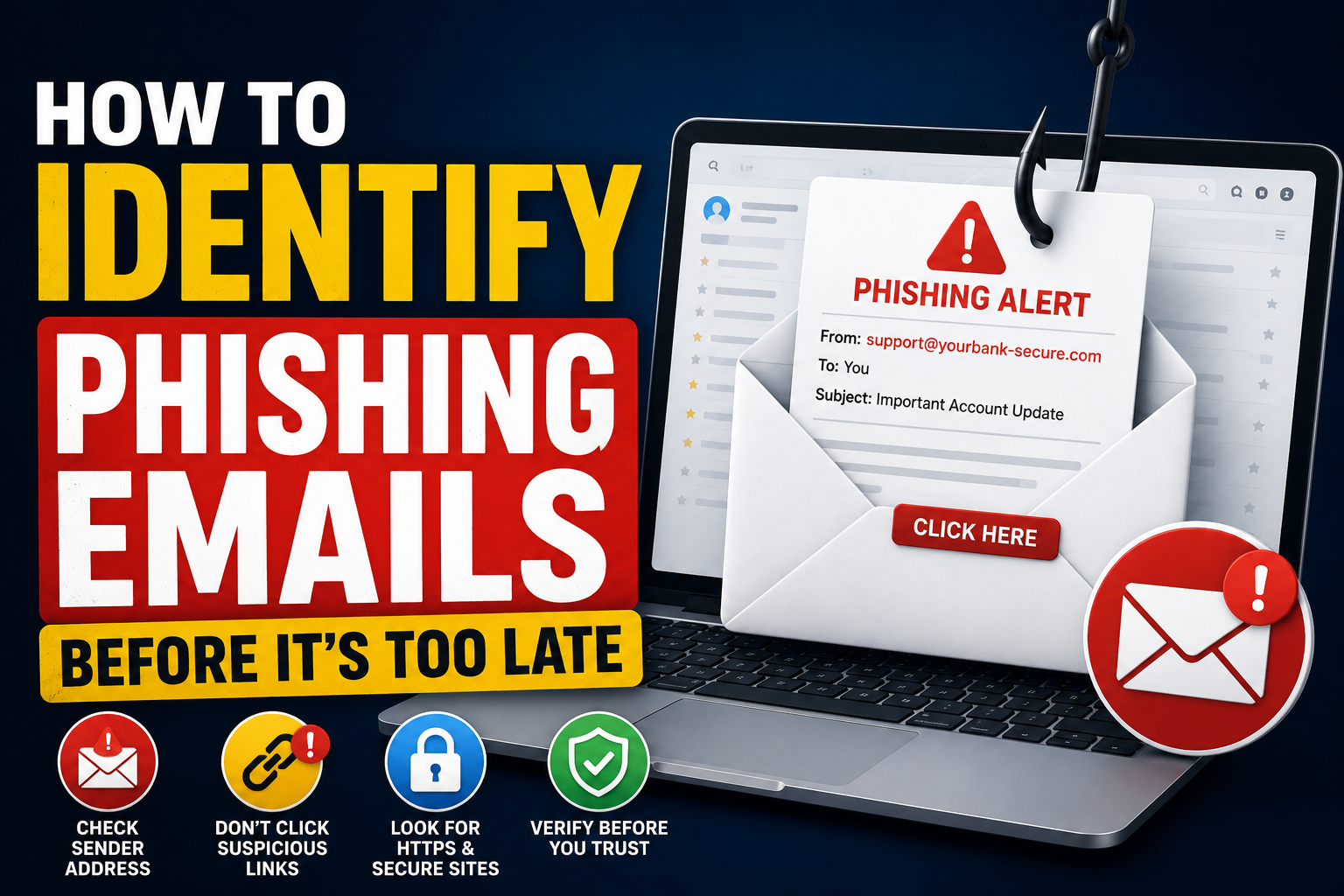
If you use email even a little, chances are a scam message has already landed in your inbox at some point. Out of the billions of emails sent every single day, a huge chunk isn't actually genuine. Cybercriminals send out fake emails all the time hoping someone will slip up and hand over a password, a bank detail, an ID document, or something else they can misuse. These sneaky messages are called phishing emails, and they're still one of the top reasons people end up dealing with hacked accounts, drained bank balances, and stolen identities.
The tricky part is that phishing has gotten really good over the years. These emails now copy the exact look of your bank, your favourite shopping site, courier companies, government portals, and even Netflix or Amazon-style platforms. Same logos, same tone, same buttons. On a quick glance, everything feels normal — and that's exactly what the scammer is counting on.
The good news? Even the smartest phishing emails usually leave behind small clues. Once you know what to look for, spotting them becomes second nature. In this guide, I'll walk you through how phishing actually works, the red flags most people miss, and the simple habits that keep your accounts safe.
What Is a Phishing Email?
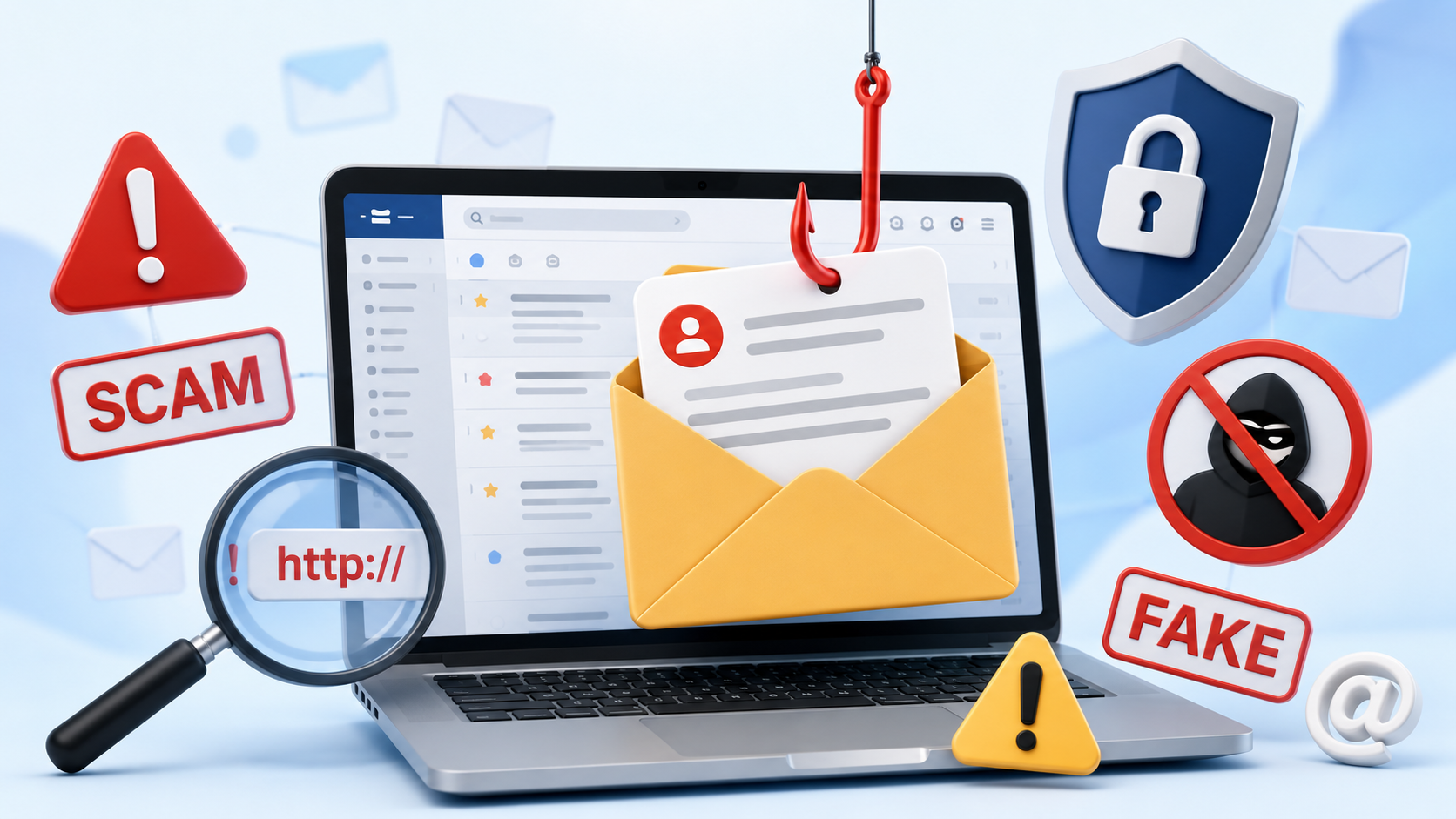
A phishing email is basically a fake message pretending to be someone it isn't. The goal is to trick you into doing something that helps the scammer — like clicking a shady link, opening a virus-loaded attachment, typing your login into a fake page, or sharing card details thinking you're talking to a real company.
The difference between regular spam and phishing is intent. Spam is just annoying marketing junk. Phishing is designed with one clear purpose: to fool you. That's why these emails often feel urgent, official, and just believable enough to make you act before you think twice.
Why Phishing Emails Are So Dangerous
The damage from one successful phishing attempt can go way beyond a single stolen password. Once someone gets into your email, they can basically walk into your entire online life — social media, banking apps, cloud drives, work accounts, even shopping websites where your card is saved. And because most of us reuse passwords or link everything to one email, the damage spreads fast.
Some phishing emails don't even need you to type anything. Just opening the wrong attachment can quietly install malware or ransomware on your device. By the time you notice something weird, the damage is already done in the background.
📚 Read More
Common Signs of a Phishing Email
Phishing emails may keep evolving, but most of them still slip up in similar ways. Here are the warning signs I always tell people to watch for before trusting any unexpected message.
- Random requests for your password or OTP.
- Messages pushing you to act "right now" or lose access.
- A sender email address that looks slightly off.
- Odd grammar, weird phrasing, or broken sentences.
- Links pointing to websites you don't recognise.
- Attachments you never asked for.
- Threats about your account being blocked or suspended.
- Offers of prizes, refunds, or rewards you didn't apply for.
- Requests to "confirm" or "re-verify" personal details.
- Messages asking you to skip the usual security steps.
One red flag alone isn't always proof, but the moment you spot two or three together, treat that email as suspicious until you're 100% sure.
Always Check the Sender's Email Address
This is honestly the fastest way to catch a phishing email. The display name might say "HDFC Bank" or "Amazon Support," but the actual email address behind it often tells a completely different story. Scammers love using addresses that look almost right — one extra letter, a hyphen, a strange domain ending, something you'd miss unless you actually stopped to read it.
So if a message claims to be from your bank, check the full email address, not just the name. If it's coming from a random Gmail account or a domain that doesn't match the official website, that's your answer.
Hover Over Links Before Clicking
Almost every phishing email pushes you toward a button — "Verify Account," "Claim Your Refund," "Update Payment Details," and so on. Before you click anything, hover your mouse over the link and check the preview at the bottom of your screen. On your phone, long-press the link to see where it actually leads.
If the URL looks like a mess of random letters, uses a shortener, or doesn't match the real company's website, don't click. Just close the email and open the company's website manually in your browser. Takes ten seconds, saves a lot of trouble.
Be Suspicious of Urgent Messages
Urgency is the oldest trick in the phishing playbook. "Your account will be closed in 24 hours." "Your payment failed, click here immediately." "Legal action will be taken against you." These lines are designed to make your heart race so your brain skips the checking part.
Real banks and real companies almost never handle serious issues through a rushed email. If a message is trying to scare you into clicking, that alone is a good enough reason to pause. Log into your account directly and check for yourself — if it's real, you'll see the same notice there.
Don't Trust Attachments from Unknown Senders
Attachments are one of the favourite tools of scammers. A file pretending to be an invoice, a courier slip, a tax notice, a resume, or a payment receipt can actually be a hidden virus. Open it once, and it can quietly install spyware, ransomware, or a password-stealer without showing anything unusual on your screen.
If you weren't expecting a file, don't rush to open it. Call or message the sender through a number you already trust — not the one written inside the email — and confirm first. Keep in mind that even your friend's or colleague's real account can get hacked, so a familiar name isn't a guarantee.

Watch for Poor Grammar and Unusual Language
A lot of phishing emails have cleaned up their language, but many still slip up. You'll notice awkward sentences, strange punctuation, mixed fonts, or greetings like "Dear Customer" or "Dear User" instead of your actual name. That usually happens because the same email is being blasted to thousands of people at once.
Real companies you deal with tend to sound consistent every time. If a new email suddenly feels off — different tone, different design, different signature — trust that gut feeling and double-check before responding.
Never Share Passwords or One-Time Passwords
Let's make this one really clear: no real bank, no real government office, no real company will ever ask for your password, OTP, ATM PIN, or any authentication code through email. Not once. So if any message is asking for these, that alone is enough to call it a scam.
Whenever you're unsure, don't reply and don't click. Just open a new browser tab, type the official website yourself, and log in from there. That one habit blocks most phishing attempts on its own.
Enable Multi-Factor Authentication
Even if you slip up someday and type your password on a fake page — it happens to the best of us — multi-factor authentication (MFA) works like a safety net. The scammer would still need that second code to actually get in, and most of the time they simply can't.
Where possible, go with an authenticator app or a hardware security key rather than SMS-based OTPs. SIM swap attacks are real, and app-based codes are far harder to intercept.
What Should You Do If You Receive a Phishing Email?
If something feels fishy, don't click, don't reply, don't download anything. Use the "Report Phishing" or "Report Spam" option in Gmail, Outlook, or whichever service you use, then delete the email. That one report also helps protect other people from receiving the same scam.
If you already clicked a suspicious link or entered your details somewhere, act fast. Change your password right away, turn on MFA, check your recent account activity for anything strange, and inform the actual bank or company involved. The quicker you move, the less damage the scammer can do.
Quick Checklist Before Trusting Any Email
Before you interact with an unexpected email, run through these quick questions in your head:
- Do I actually recognise the full sender email address?
- Was I expecting to receive this?
- Is it trying to rush me into acting fast?
- Are there weird links or attachments involved?
- Does the grammar or design feel off?
- Is anyone asking for passwords, OTPs, or card details?
- Can I just check this directly on the official website instead?
If even one of those questions makes you hesitate, stop and verify. Two minutes of checking beats weeks of dealing with a hacked account or stolen money.
Conclusion
Phishing emails keep getting smarter, but the goal behind them never really changes — trick you, rush you, and steal from you. Once you slow down, check the sender, hover over links, ignore panic-driven messages, and keep MFA turned on, most of these attempts stop working on you.
The simplest rule I follow, and the one I'd suggest to anyone: never trust an unexpected email until you've verified it yourself. Make that a habit and you'll dodge the majority of scams floating around online today.
Watch Related Video
Prefer watching? Open this video directly on YouTube.
Frequently Asked Questions
1. What is a phishing email?
It's a fake email pretending to be someone trustworthy, sent to trick you into sharing personal information or installing something harmful on your device.
2. How can I identify a phishing email?
Look for odd sender addresses, urgent language, suspicious links, poor grammar, unexpected attachments, and requests for personal or financial details.
3. Is every spam email a phishing email?
Not really. Spam is mostly unwanted advertising. Phishing is specifically built to steal your data or hack your device.
4. Should I open attachments from unknown senders?
No. Unexpected files are one of the most common ways malware and ransomware spread.
5. Can phishing emails look like real companies?
Absolutely. Modern phishing emails copy banks, delivery services, government portals, and popular brands almost perfectly.
6. What should I do after clicking a phishing link?
Change your password immediately, turn on MFA, check recent account activity, and inform the real company or bank as soon as possible.
7. Why do phishing emails create urgency?
Because panic makes people click without thinking. The rush is the trick.
8. Does HTTPS always mean an email link is safe?
No. Even scam websites can use HTTPS now. Always look at the actual domain name, not just the padlock.
9. Can multi-factor authentication stop phishing attacks?
MFA can't stop the emails themselves, but it does make it much harder for a scammer to actually log into your account even if they get your password.
10. What is the safest way to verify an email?
Skip the links in the email. Open the official website in your browser directly, or call the customer support number listed on their real site.
Stay One Step Ahead of Online Scams
Try our free Digital Safety Checker to see how safely you're really sharing your personal information online. It's a quick way to spot bad habits and build stronger ones before scammers get a chance.

Sameer Pal
Sameer Pal is a Content Writer specializing in online security, digital privacy, cyber awareness, and social safety. With over 3 years of experience, he creates practical, easy-to-understand content that helps readers recognize online threats, protect their personal information, and make safer decisions on the internet. His goal is to provide accurate, trustworthy, and user-focused guidance that promotes digital awareness and everyday online safety.
Featured Articles
How to Protect Your Aadhaar Before Sharing Online
Simple, real-world tips to share your Aadhaar safely without putting your identity at risk.
Read Article
Before Sending a Screenshot, Read This First
Most people don't realise how much a single screenshot can reveal. Here's how to share smartly.
Read Article
Safe Ways to Share Identity Documents Online
Practical steps to send ID documents online without worrying about them being misused later.
Read Article