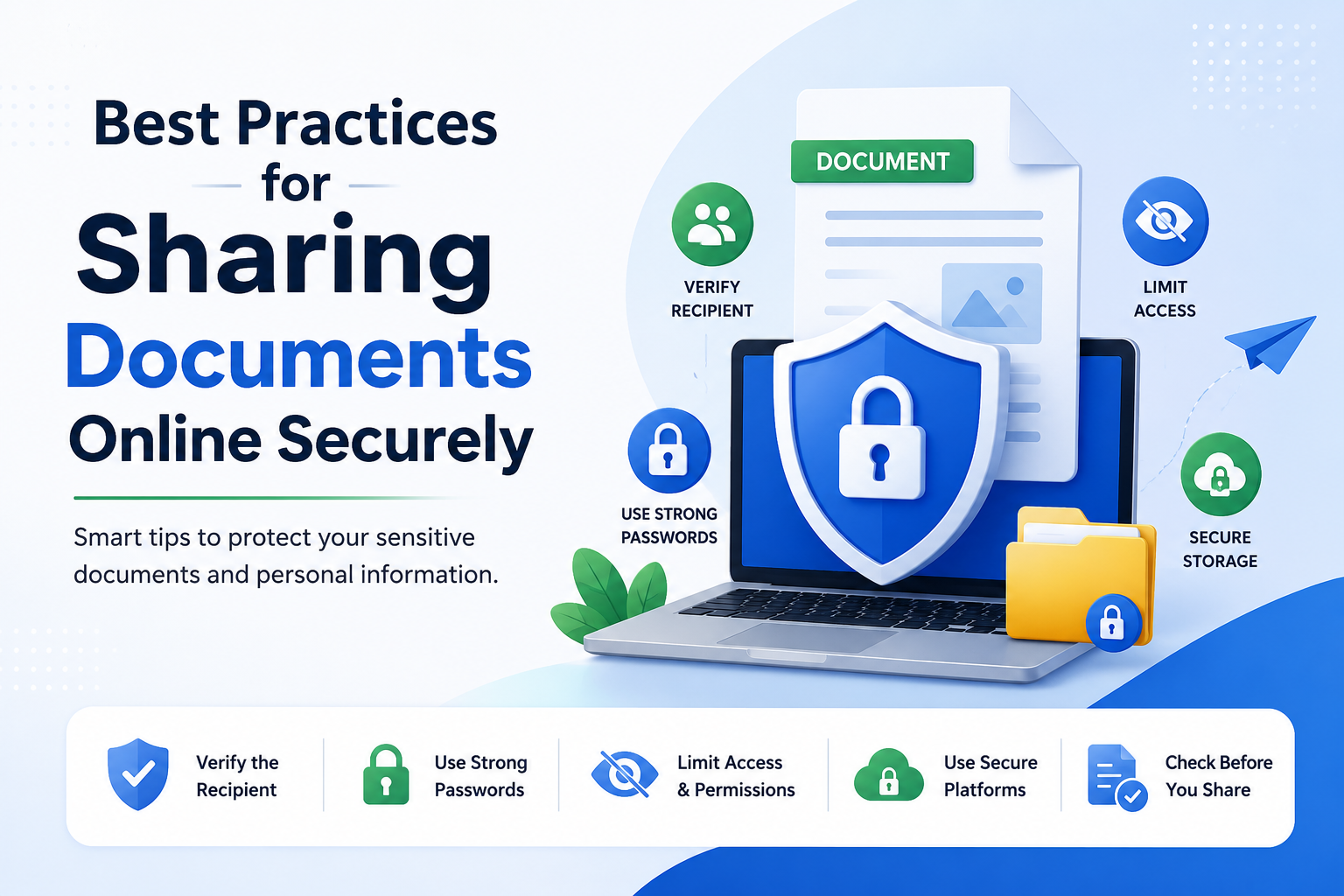
Sharing documents online has become such a normal part of daily life that most of us don't even think twice before hitting send. Job applications, ID proofs, rent agreements, invoices, medical reports, bank forms — everything moves through WhatsApp, email, Google Drive, or random chat apps. It's fast, it's easy, and it feels harmless. But the truth is, every file you share leaves behind a trail, and that trail can be misused if it lands in the wrong hands.
The problem isn't just hackers sitting in dark rooms. Most document leaks happen in the simplest ways — a wrong forward, an open link, a screenshot saved on someone's phone, or a file sitting in a cloud folder that was never meant to be public. Once a document is out there, pulling it back is almost impossible.
The good news is that sharing files safely doesn't need any tech magic. A few simple habits, a little awareness, and the right tools are enough to keep your documents protected. In this guide, we'll walk through the best practices that actually work — the kind of steps you can start using today without changing your entire routine.
📚 Read More
Why Secure Document Sharing Matters
Think about how many copies of your Aadhaar, PAN, or bank statement are already sitting in other people's phones, chats, and inboxes. Every one of those copies is a possible leak. Scammers today don't need to hack anyone — they just need a forwarded PDF or a screenshot that made its way through five different WhatsApp chats.
Once your documents leak, the damage can range from loan fraud in your name, fake SIM cards, phishing calls that sound scarily accurate, or accounts being opened using your identity. That's why treating document sharing as a security decision — not a casual one — is so important.
1. Share Only What Is Absolutely Needed
The first rule of safe sharing is simple: if it isn't required, don't send it. A lot of people over-share out of habit — sending both sides of an ID when only one is asked, or attaching extra proofs "just in case." Every extra piece of information is one more thing a scammer can misuse.
Before sharing any document, ask yourself: does this person really need my full document, or would a partial detail work? For example, an office might just need your PAN number, not a scanned copy of the card itself.
2. Use Masked Versions Wherever Possible
Masked documents are one of the smartest inventions for digital safety. A masked Aadhaar, for instance, hides the first eight digits of your number while still working as valid proof for most verifications. It's a small change, but it removes a huge amount of risk if the file ever gets leaked.
Whenever you're sharing an ID, check if a masked version is accepted. Most banks, telecom operators, and government-linked services now allow it, and it's a much safer option than sending the full document.
3. Add a Watermark Before Sending
Adding a simple watermark on your documents is one of the most underrated safety habits. A small text like "For [Company Name] – Loan Purpose Only – Date" across the file makes it almost useless if someone tries to reuse it elsewhere.
You don't need fancy software for this. Free tools, Google Docs, or even basic photo editors can add watermarks in seconds. It's a tiny effort that saves you from a lot of headaches later.
4. Prefer Secure Platforms Over Random Chats
Sending your documents through random Telegram groups, unknown email IDs, or unverified chat apps is one of the easiest ways to lose control over them. Where possible, use trusted platforms — official portals, verified upload links, or well-known cloud services like Google Drive with proper access settings.
If a company insists on WhatsApp, that's okay too, just make sure you're chatting with a verified business number and not a random personal contact pretending to be an official.
5. Password-Protect Sensitive Files
If a document contains sensitive details — bank info, salary slips, ID proofs, contracts — take a minute to password-protect it before sending. PDFs, Word files, and even ZIPs support this natively, and most phones can do it too.
Send the file through one channel and the password through another. For example, email the file and share the password on a phone call or a different app. That way, even if one channel gets intercepted, the file stays locked.
6. Double-Check the Recipient Every Single Time
You'd be surprised how often documents get sent to the wrong person just because of an autocomplete slip on WhatsApp or Gmail. One wrong tap, and your Aadhaar is now sitting in a stranger's chat.
Before hitting send, take two extra seconds to confirm the number, the email, or the chat. It sounds small, but this one habit prevents a huge percentage of accidental leaks.
7. Set Expiry Dates on Shared Links
If you're sharing a document through Google Drive, Dropbox, or any cloud service, don't leave the link open forever. Most platforms let you set expiry dates or turn off access after a few days. Use it.
The idea is simple — a link that only works for 24 or 48 hours is far safer than one that sits online for years. Even if it gets forwarded around later, it won't open anymore.
8. Control Access Instead of Making Files "Public"
"Anyone with the link can view" sounds convenient, but it's honestly one of the riskiest settings on the internet. If that link ever leaks, gets forwarded, or shows up in an old email, your file becomes public for good.
Whenever possible, share files with specific email addresses instead of an open link. It takes an extra ten seconds and keeps your document strictly between you and the intended person.
9. Delete Files From Chats Once the Work Is Done
Most people forget about documents once they've been shared. That's exactly what scammers count on. Old chats, old emails, old drives — full of ID proofs, salary slips, and forms sitting there for years.
Once your work with a document is done, delete it from chats where possible, remove it from shared drives, and clean up your email attachments every few months. If you don't need it anymore, don't let it live forever.
10. Avoid Sharing Documents on Public Wi-Fi
Airport Wi-Fi, café Wi-Fi, hotel Wi-Fi — great for scrolling Instagram, not so great for uploading your PAN card. Public networks are far easier to snoop on, and sending sensitive files through them adds unnecessary risk.
If you must share something urgent while on public Wi-Fi, at least turn on a trusted VPN first, or better, switch to your mobile data. It's a small habit that quietly protects a lot.
11. Keep Your Devices Clean and Updated
All the safe sharing habits in the world don't help if your own phone or laptop is compromised. Keep your device updated, avoid installing random APKs, and use screen locks and app locks for anything that stores sensitive documents.
A safe device is the base of safe sharing. Everything else builds on top of it.
12. Verify Who You're Sending It To
Scammers often pretend to be HR teams, bank officers, delivery agents, or "verification staff." They ask for documents like it's a normal process. Before sending anything, take a moment to confirm the person is real — call the official number listed on the company's website, not the one they send you.
If someone rushes you, threatens you, or refuses to give clear verification, that's your cue to stop and step back.
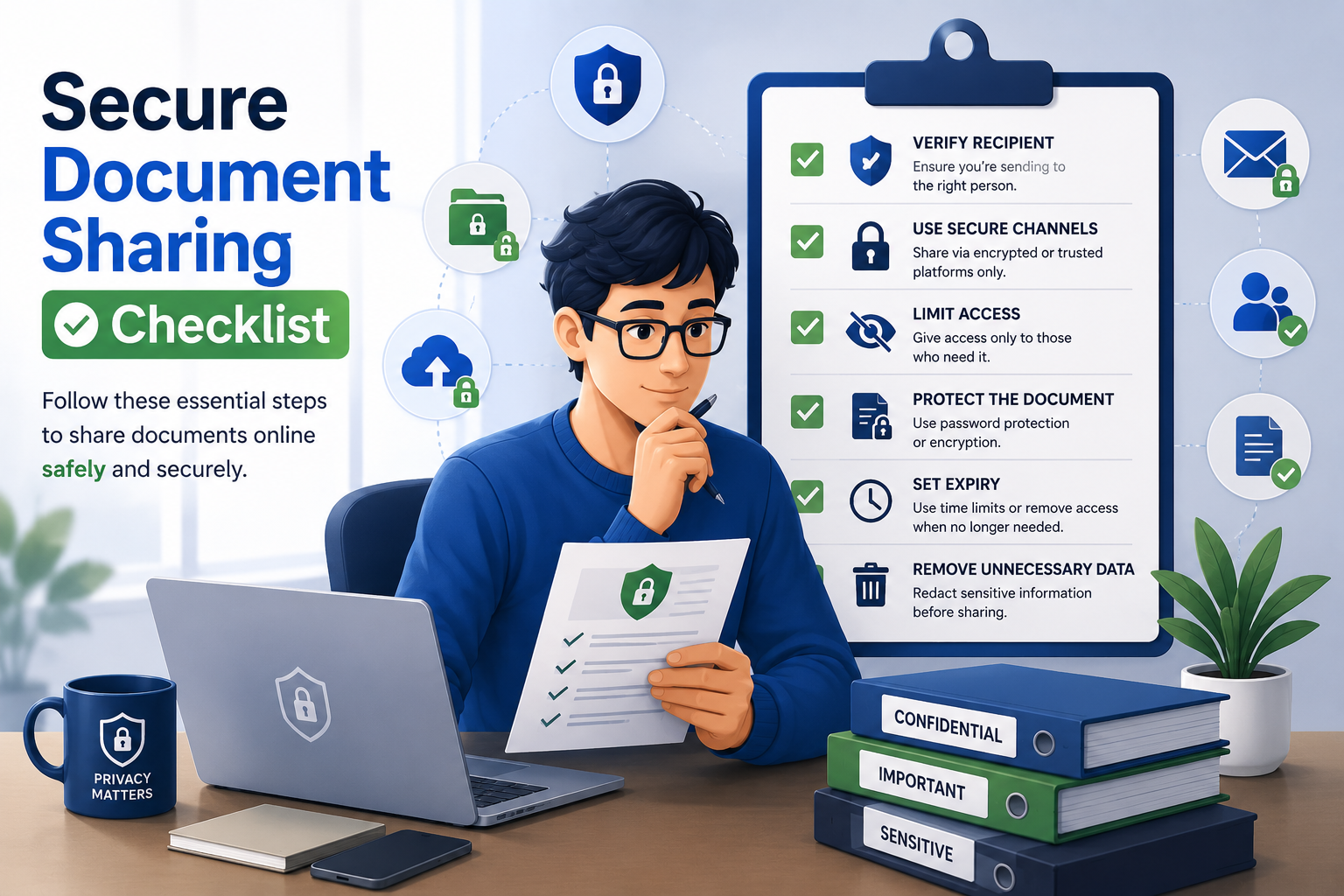
Quick Checklist Before Sharing Any Document
Before uploading, forwarding, or attaching any document, run through this quick mental checklist:
- Is this document really required?
- Can I share a masked version instead?
- Have I added a watermark with purpose and date?
- Is the recipient verified and trustworthy?
- Am I using a secure platform, not a random chat?
- Is the file password-protected if it's sensitive?
- Have I set link expiry or access limits?
- Am I on a safe network right now?
If even one of these feels shaky, hold off for a minute. Verifying takes seconds — cleaning up after a leak can take months.
Conclusion
Sharing documents online isn't going away — it's only going to grow. But that doesn't mean you have to accept the risk that comes with it. A masked ID, a watermark, a password, an expiring link, a verified recipient — none of these take much effort, and together they make a huge difference.
Treat your documents the same way you treat your money. You wouldn't hand cash to a stranger without knowing who they are, so don't hand over your identity that easily either. Build these small habits into your routine, and secure sharing becomes second nature.
Frequently Asked Questions
1. What is the safest way to share documents online?
Use trusted platforms, share with specific email addresses, add watermarks, use masked IDs where possible, and password-protect anything sensitive.
2. Is WhatsApp safe for sharing documents?
WhatsApp uses encryption, but the real risk is the receiver. Files can still be screenshotted, forwarded, or saved. Only share with verified contacts and delete when done.
3. Should I share my Aadhaar over email?
Only if truly required, and even then prefer a masked Aadhaar with a watermark mentioning the purpose and date.
4. Are Google Drive links safe to share?
They can be, if you set specific access permissions, avoid "anyone with the link," and enable expiry dates for sensitive files.
5. How do I password-protect a PDF?
Most PDF readers and free online tools allow it. Just make sure the tool is trustworthy before uploading a sensitive file to it.
6. Is public Wi-Fi safe for uploading documents?
Not really. Use mobile data or a trusted VPN when sending anything sensitive.
7. What is a masked document?
It's a version of an ID (like Aadhaar) where part of the number is hidden, keeping it usable for basic verification while reducing misuse.
8. Should I keep shared documents in chat history?
No. Once the purpose is served, delete them from chats, drives, and old email threads.
9. How do I know if a company asking for documents is genuine?
Verify through their official website, listed phone number, or an in-person visit if needed. Don't trust numbers or links they send in random messages.
10. What should I do if my documents already leaked?
Report it to the concerned authority, monitor bank and credit activity, freeze credit reports if needed, and stay alert for phishing calls or fake verifications.
Check How Safely You're Sharing Online
Use our free Digital Safety Checker to see if your document sharing habits are actually safe. Get simple, personalised tips to protect your identity, files, and personal data.

Sameer Pal
Sameer Pal is a Content Writer specializing in online security, digital privacy, cyber awareness, and social safety. With over 3 years of experience, he creates practical, easy-to-understand content that helps readers recognize online threats, protect their personal information, and make safer decisions on the internet. His goal is to provide accurate, trustworthy, and user-focused guidance that promotes digital awareness and everyday online safety.
Featured Articles
How to Protect Your Aadhaar Before Sharing Online
Simple, real-world tips to share your Aadhaar safely without putting your identity at risk.
Read Article
How to Identify Phishing Emails Before It's Too Late
Spot fake emails before they steal your data. Real warning signs and easy safety tips.
Read Article
Before Sending a Screenshot, Read This First
Most people don't realise how much a single screenshot can reveal. Here's how to share smartly.
Read Article